How to Configure Daily Reports
Moustra's daily report is the Morning Rounds email — a once-a-day digest of your colony overview, actionable alerts, and task reminders. Turn it on per user from Account settings.
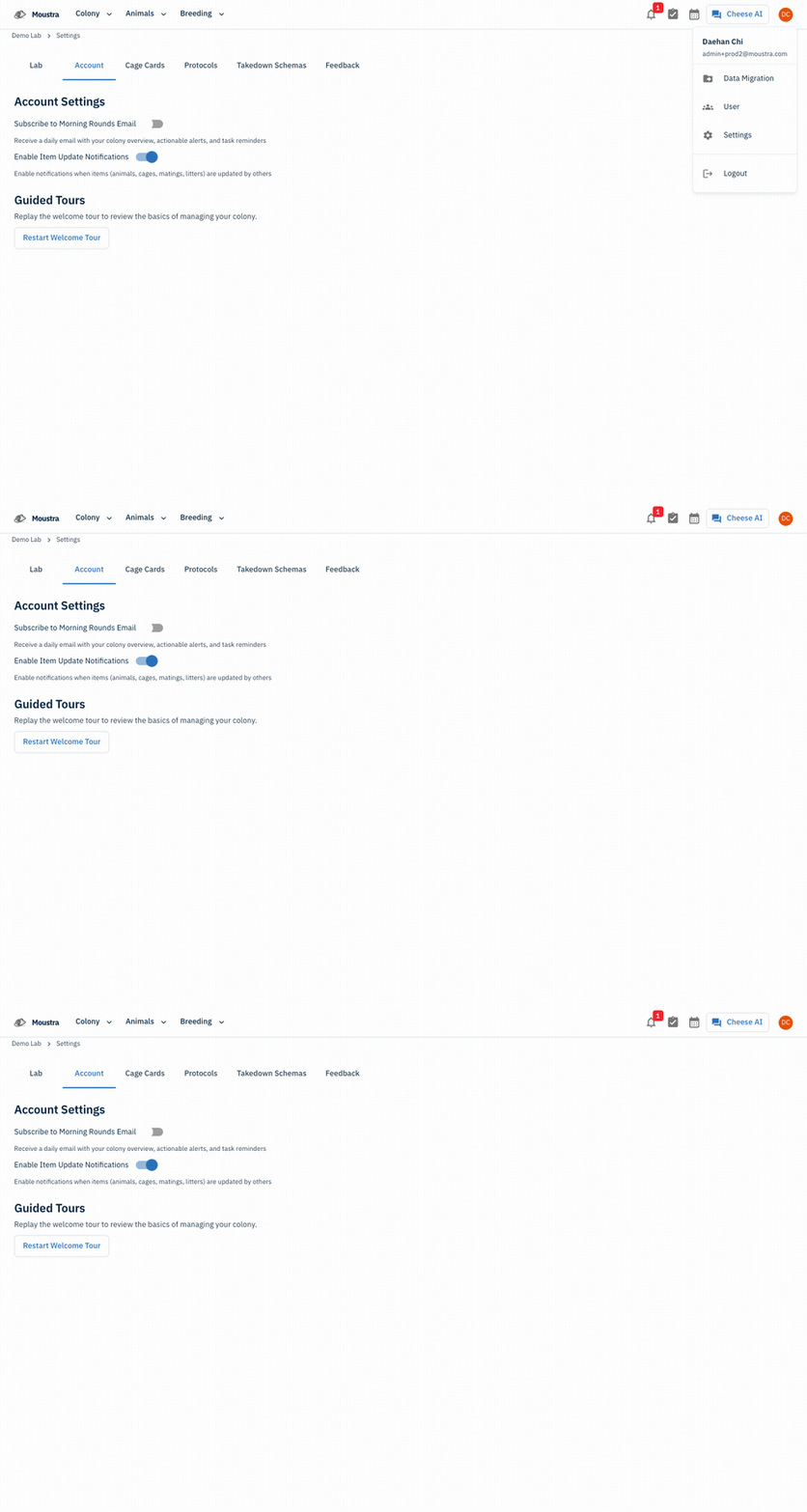
Open Settings → Account
From your account menu (top-right avatar) choose Settings, then open the Account tab.
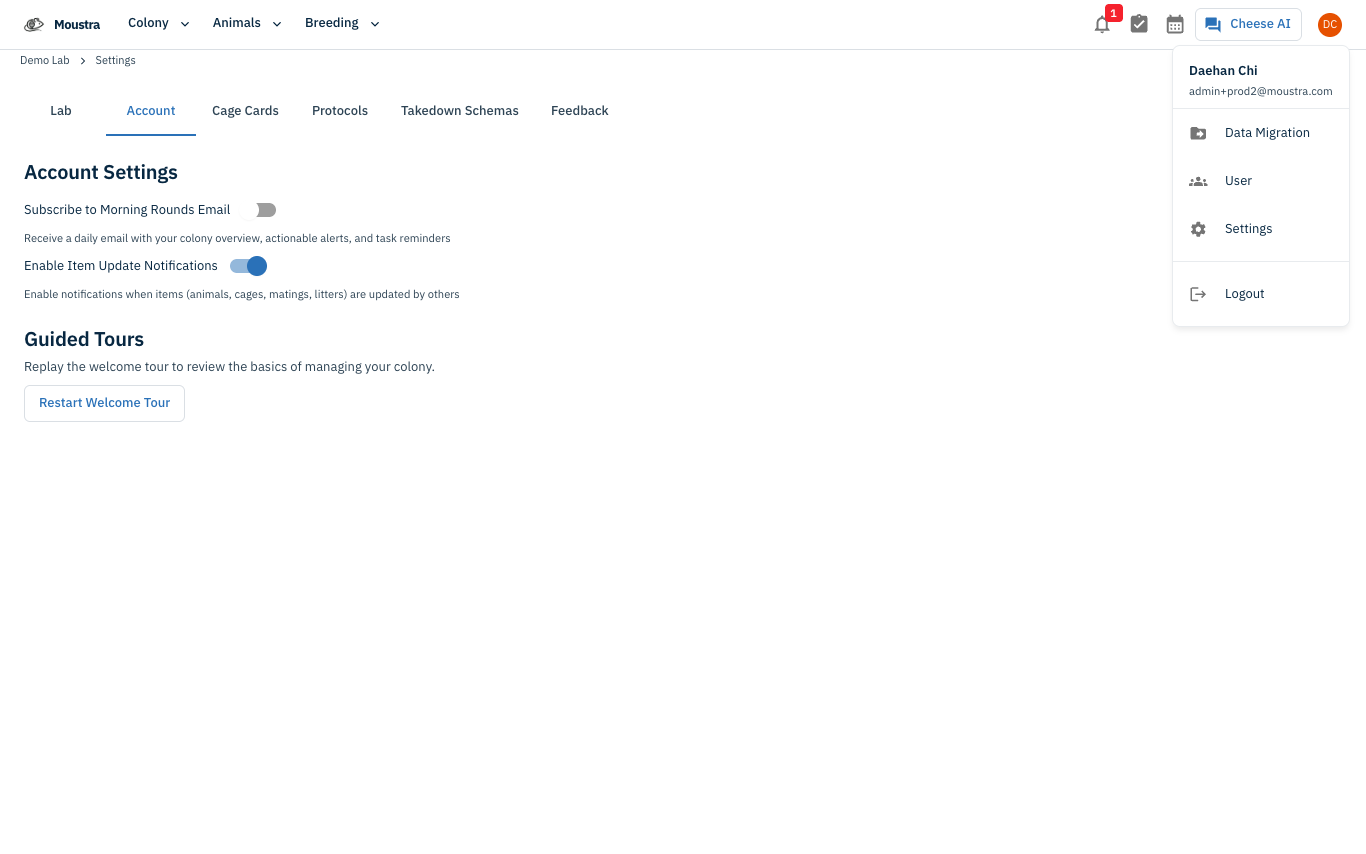
Turn on the Morning Rounds Email
Toggle Subscribe to Morning Rounds Email on to receive a daily email with your colony overview, actionable alerts, and task reminders. The nearby Enable Item Update Notifications toggle controls in-app notices when teammates change animals, cages, matings, or litters.
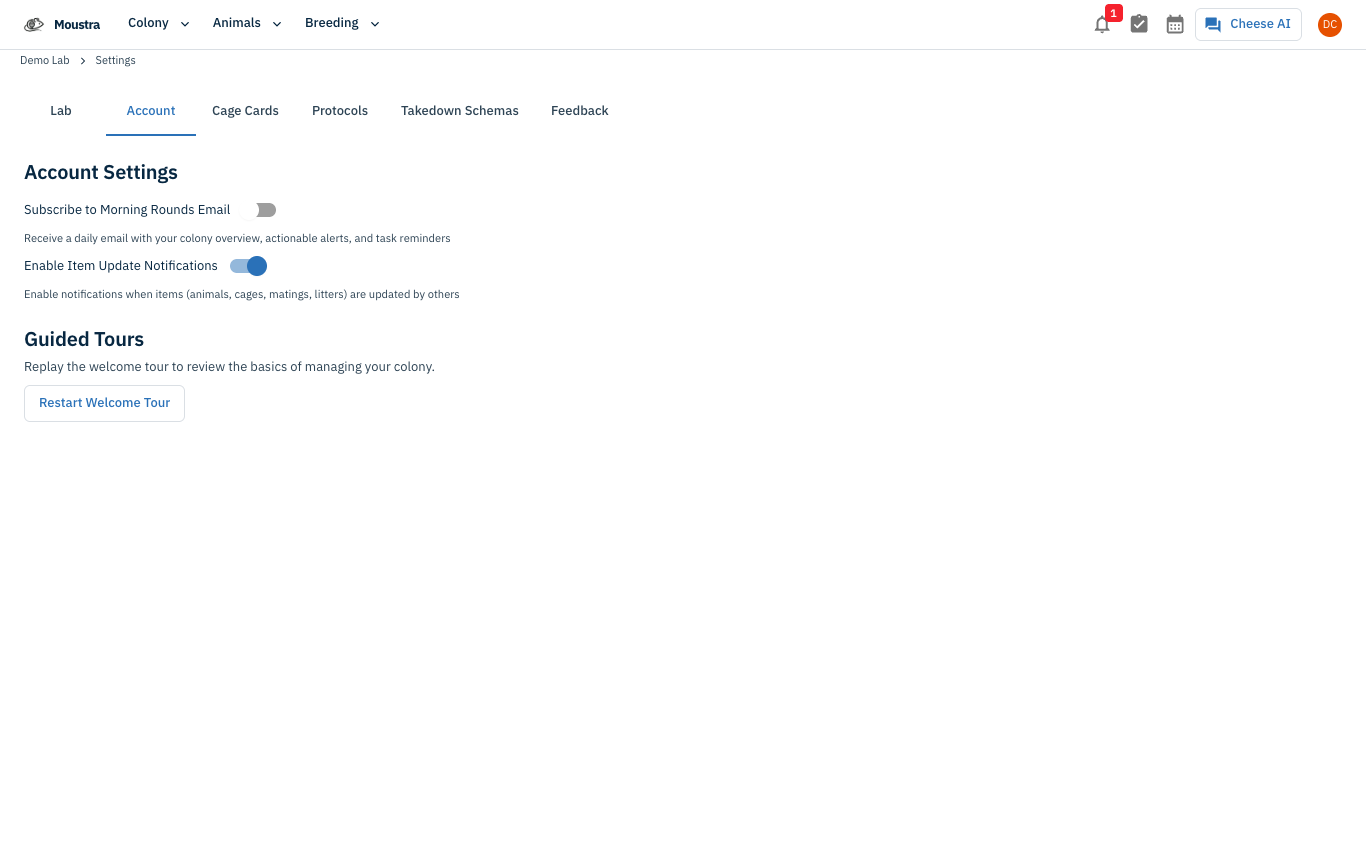
More in Advanced
Quick Edit Cell
Edit values directly in any data grid: double-click an editable cell and Moustra shows the right input (text, number, date, or dropdown). Press Enter to save or Escape to cancel.
How to Print Cage Cards
Print cage labels with animal tags, strain, and IACUC information for physical cage identification.
How to Connect Slack
Receive real-time notifications in Slack for litters, weans, and colony milestones without logging into Moustra.