Close out a litter once its pups have been recorded — without changing the pups themselves.
Full walkthrough — follow the steps below.
1
Open the litter
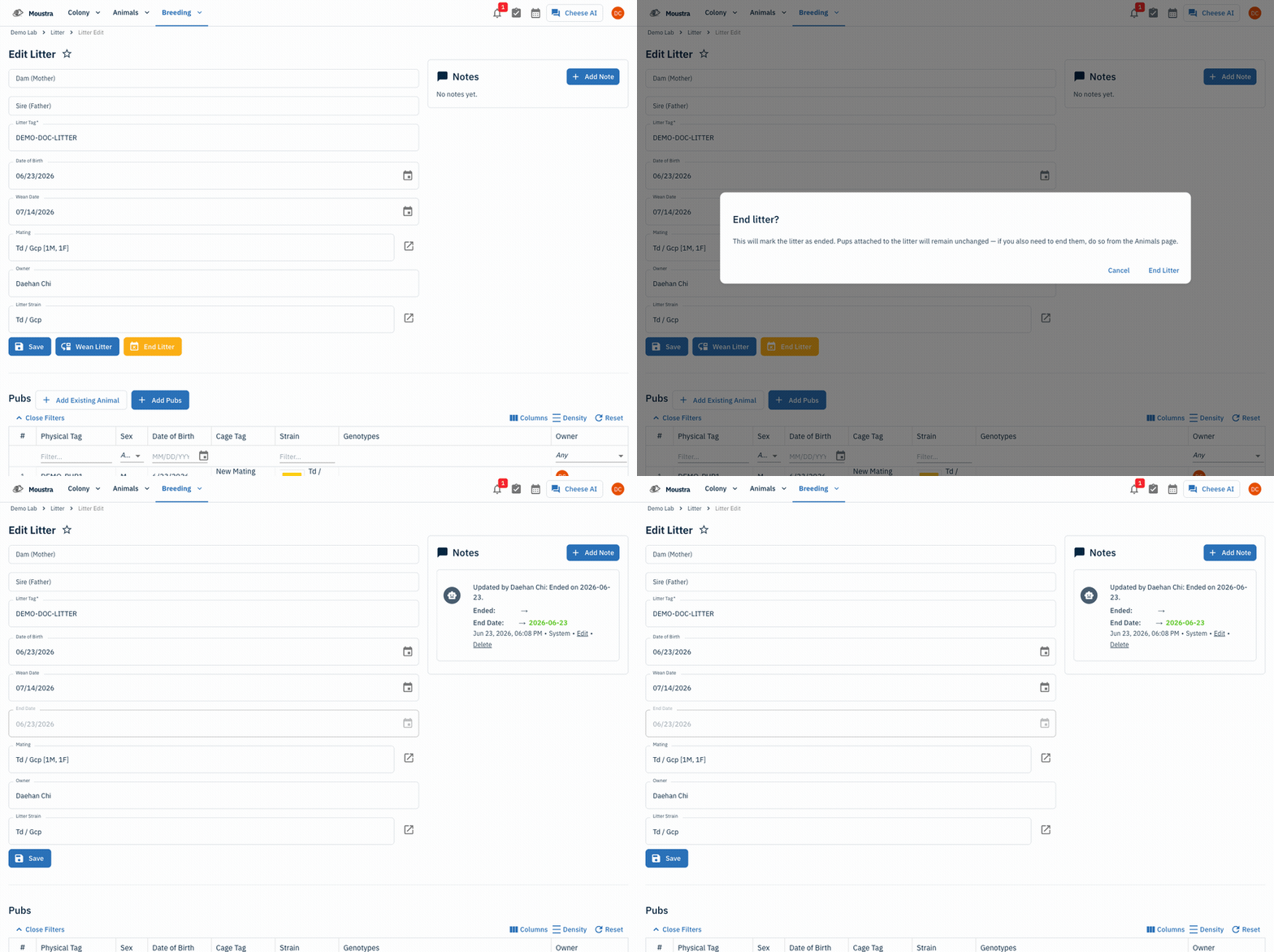
From the Breeding menu choose Litter, then open the litter you want to close.
2
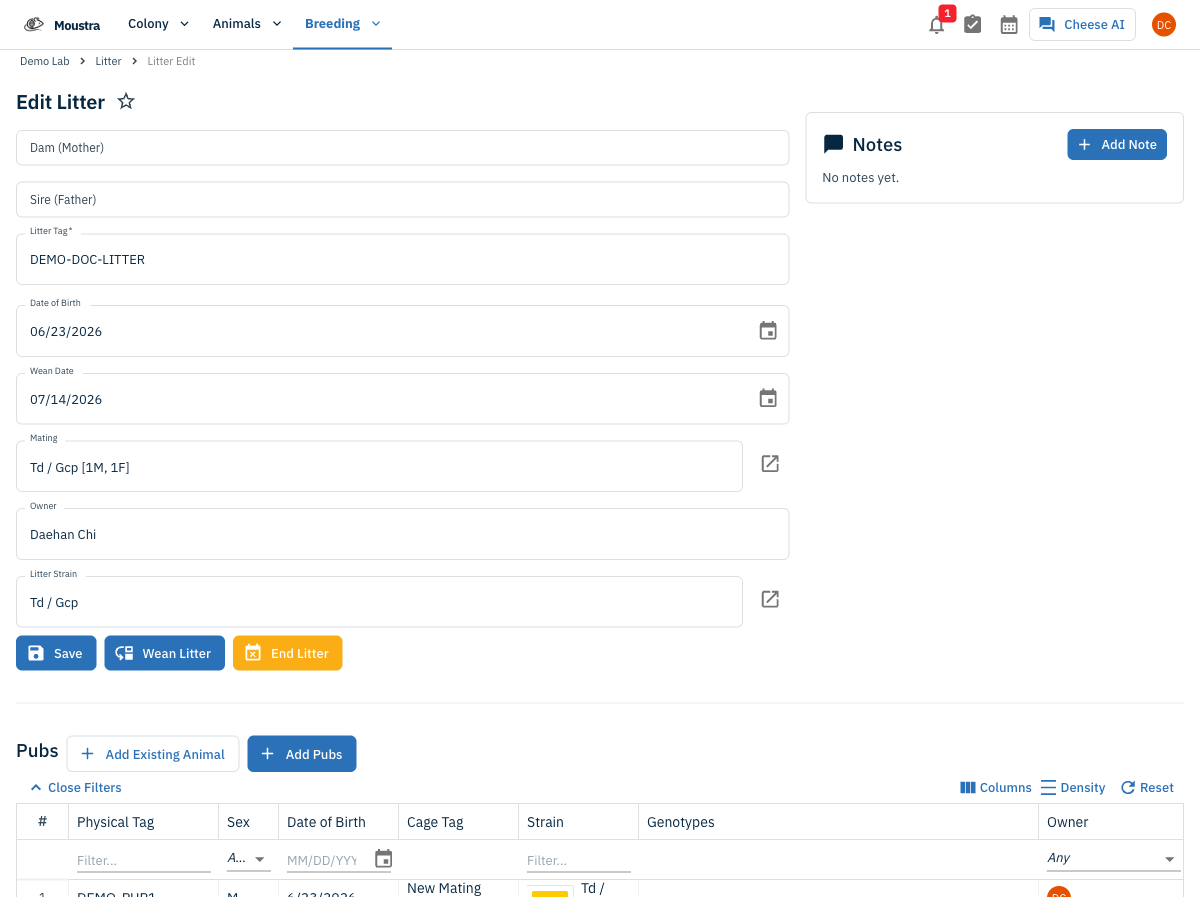
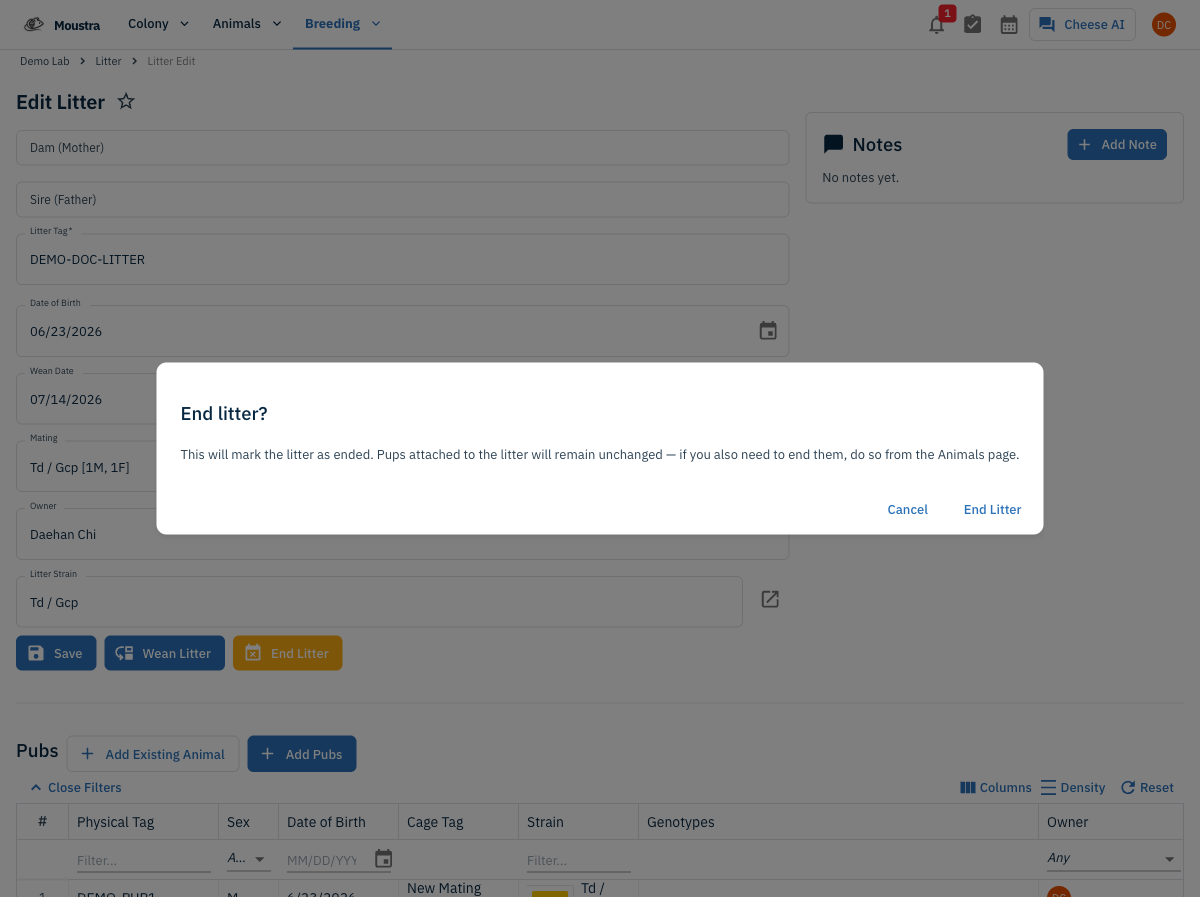
Click End Litter and confirm
Click End Litter, then confirm in the dialog. Ending the litter does not change the pups — if you also need to end them, do that from the Animals page.
3
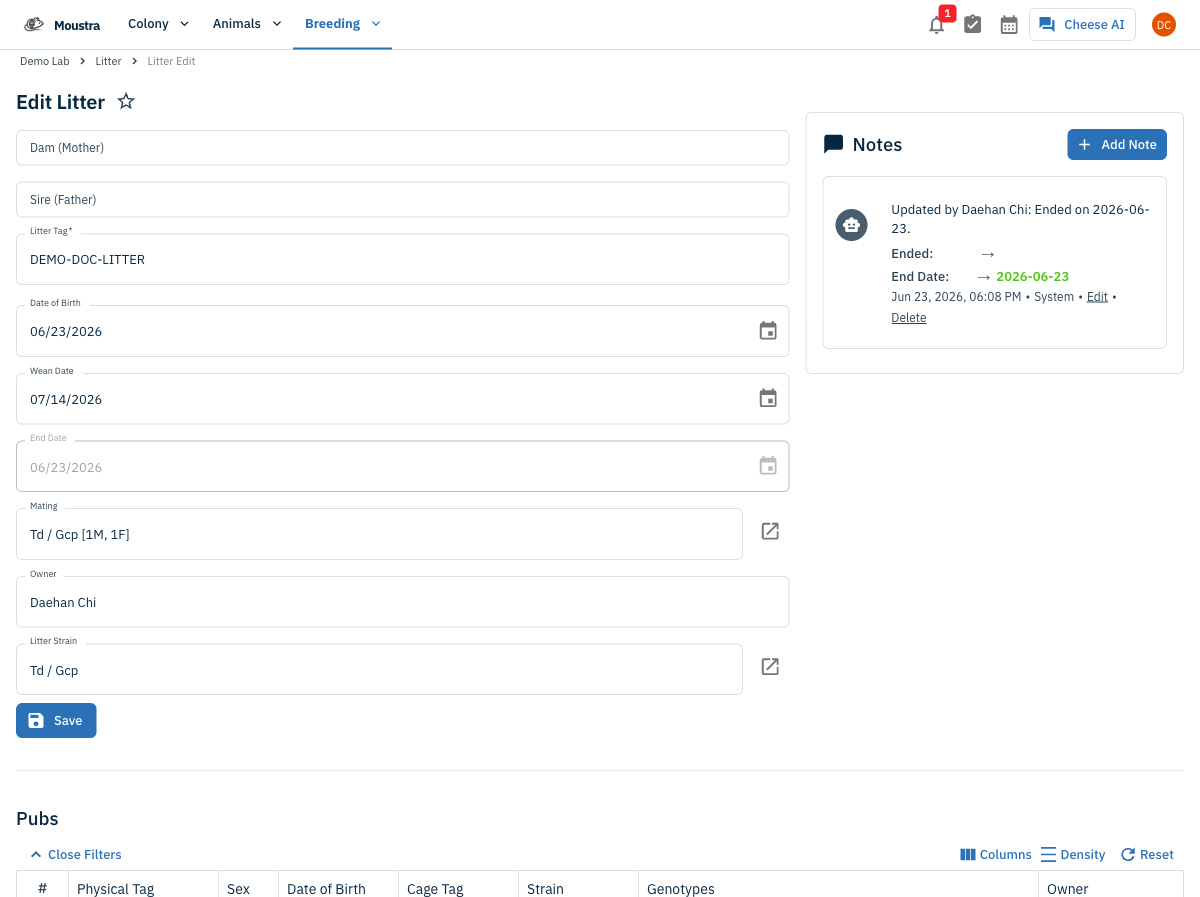
Confirm the litter is closed
The litter's End Date is set to today and a note records the change. The Wean and End buttons disappear, marking the litter closed.