How to Track IACUC Protocol Amendments
Track formal changes to an approved IACUC protocol — a higher animal cap, an added procedure, a personnel change — as dated amendments attached to the protocol. Record each amendment, then apply it to promote the change into the live protocol, giving you a complete audit trail.
Open the protocol
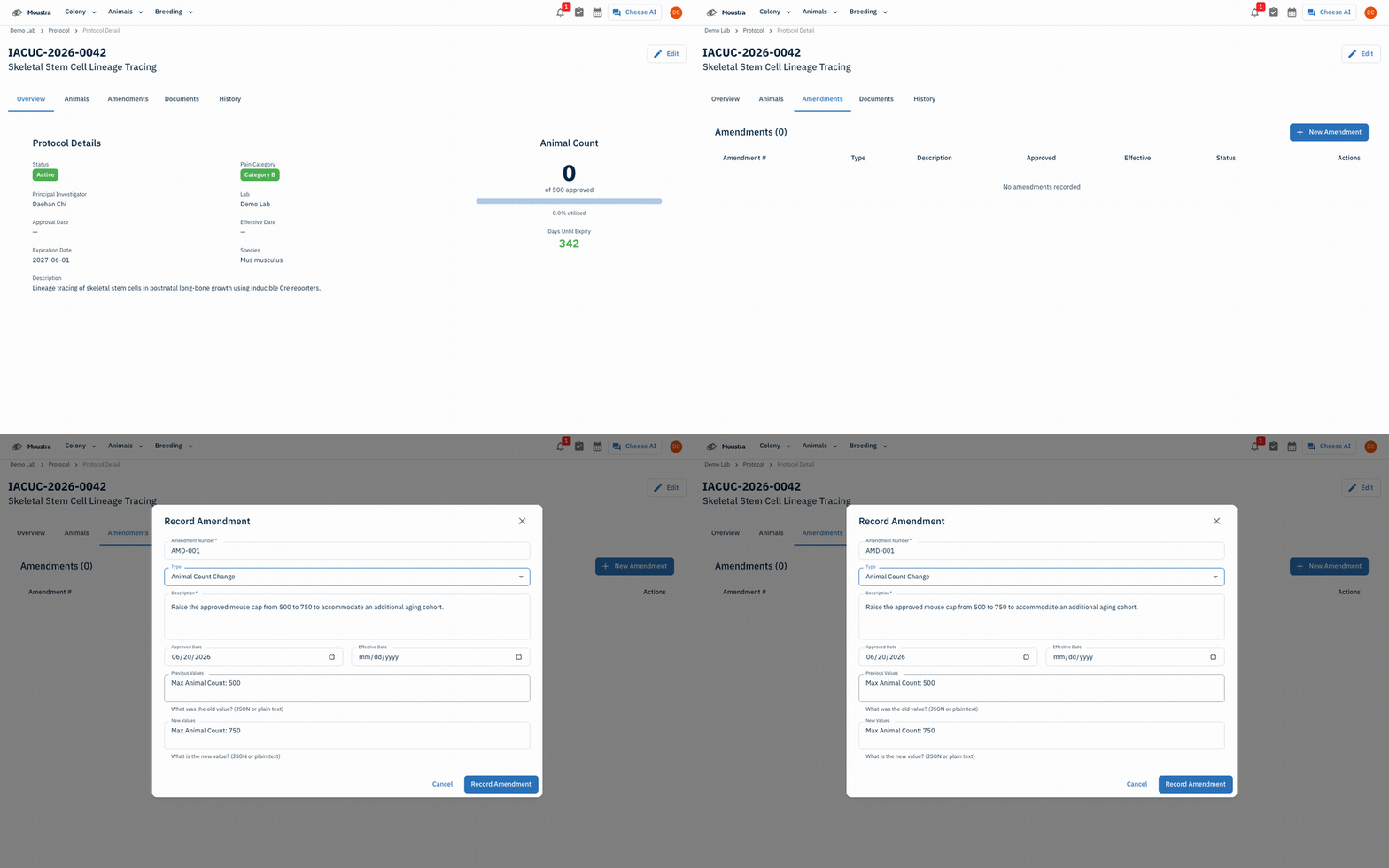
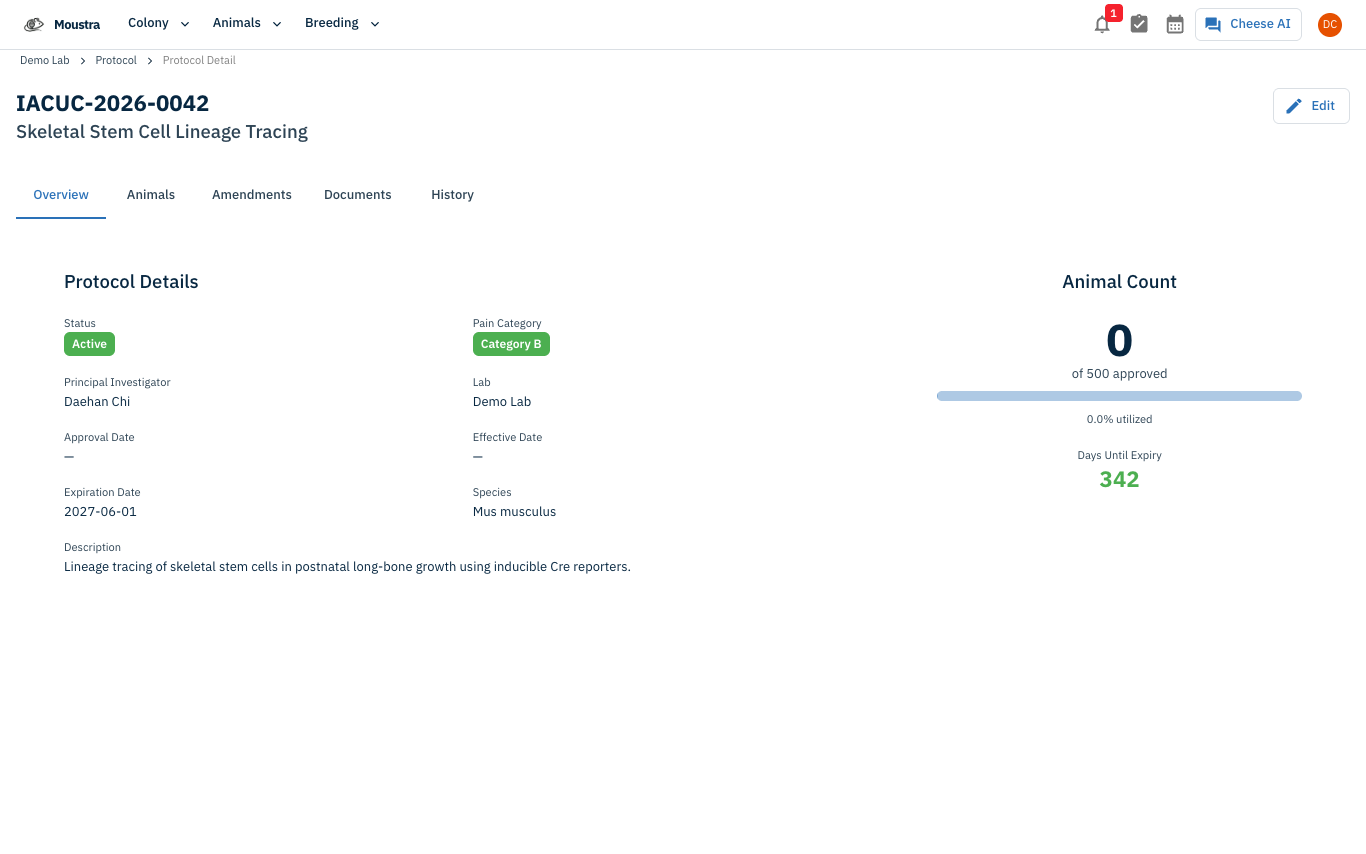
From the protocol register at /protocol, click a protocol row to open its detail page. The header shows the protocol number and title, with tabs for Overview, Animals, Amendments, Documents, and History.
Open the Amendments tab
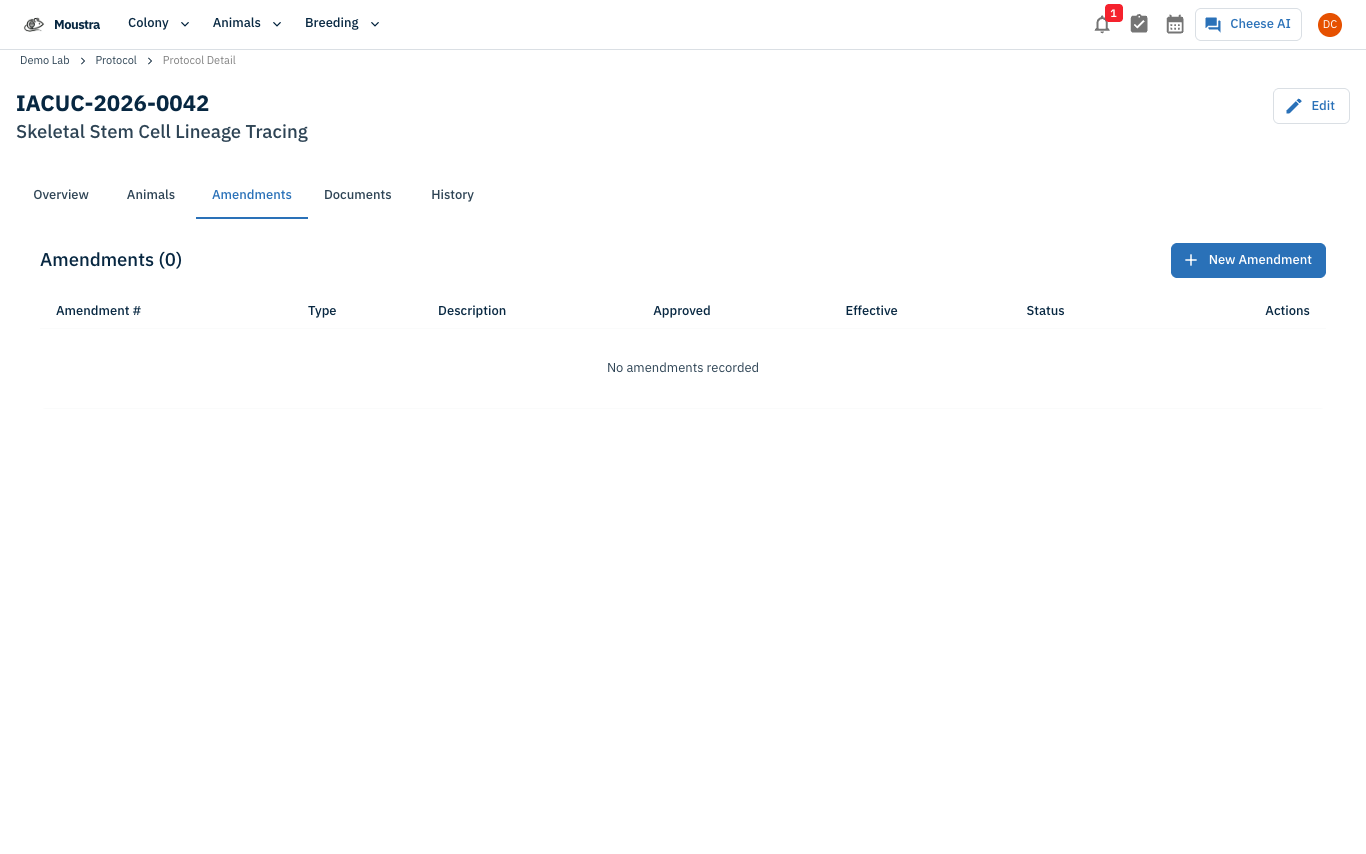
Click the Amendments tab. It lists every recorded amendment in a table — Amendment #, Type, Description, Approved, Effective, Status — alongside a New Amendment button. A protocol with no changes yet shows No amendments recorded.
Record a new amendment
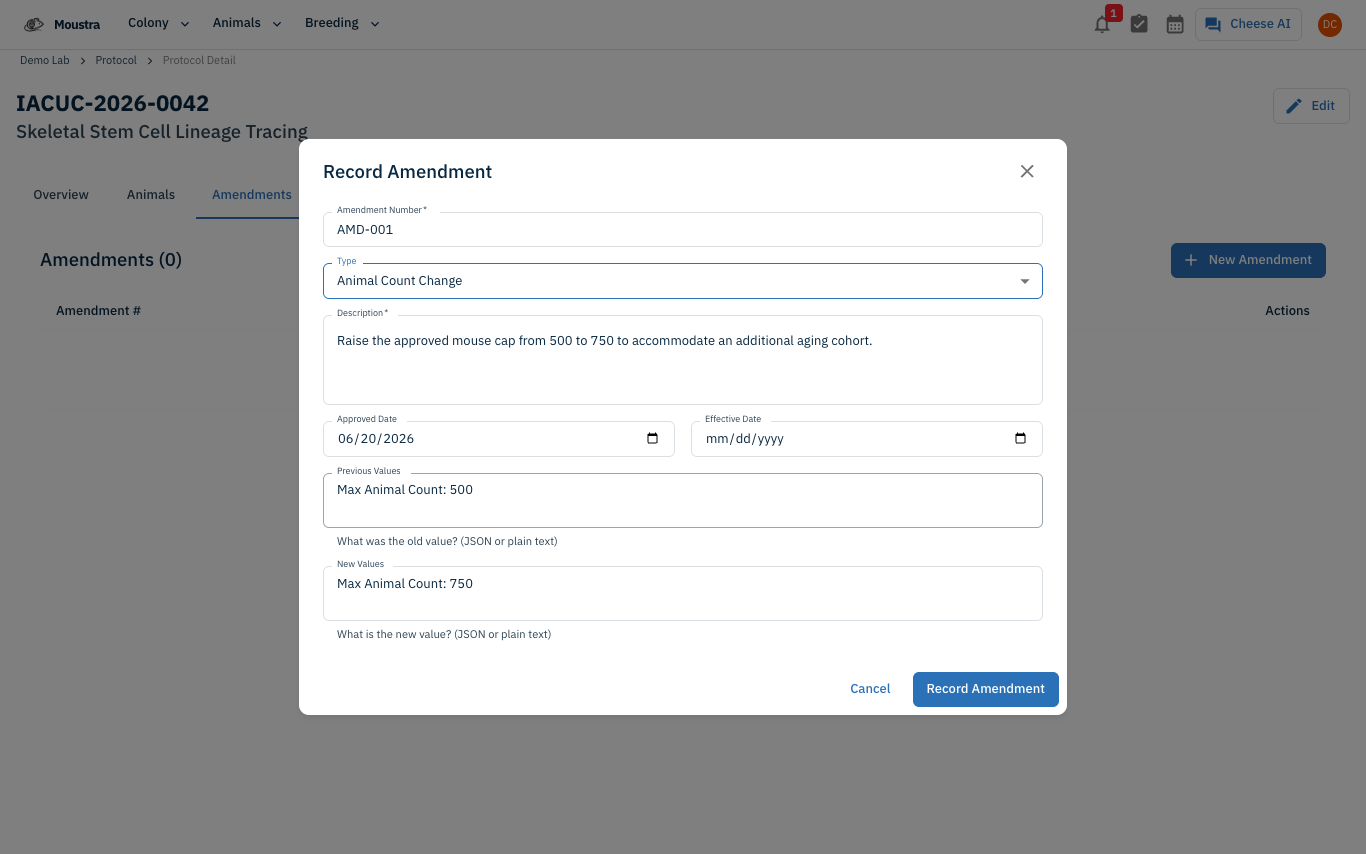
Click New Amendment. In the Record Amendment dialog, enter an Amendment Number, pick a Type (Modification, Renewal, Personnel Change, Animal Count Change, Species Addition, or Other), and write a Description. Optionally set the Approved and Effective dates and the Previous/New Values, then click Record Amendment. The amendment is logged with status recorded; an Apply action in its row promotes the change into the live protocol once approved.
More in Navigation
How to Use the Cage Grid
See all the cages in a rack in a visual, spatial layout that mirrors your physical rack — check occupancy and animal counts and spot empty slots at a glance.
How to View the Family Tree
Visualize an animal's lineage and offspring to understand genetic relationships and plan breeding pairs.
How to Set Up IACUC Protocols
Create IACUC protocols with species limits so Moustra tracks approved animal usage and prevents exceeding caps.