How to View the Family Tree
Trace an animal's ancestors, littermates, and offspring on Moustra's interactive pedigree graph — found on the **Lineage** tab of any animal record.
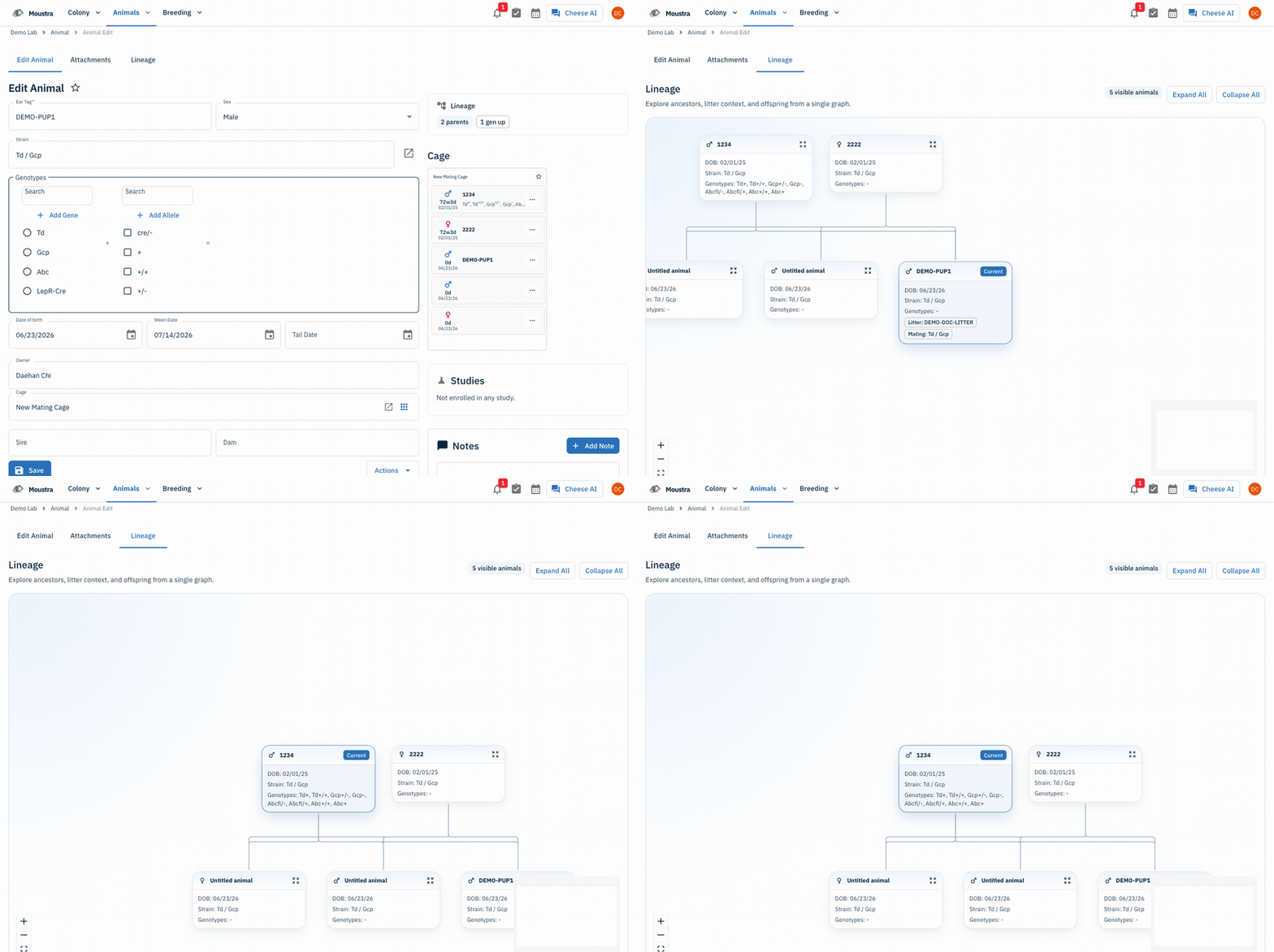
Open an animal record
From the Animals menu, open any animal (here, a pup from a litter). Each record has Edit Animal, Attachments, and Lineage tabs.
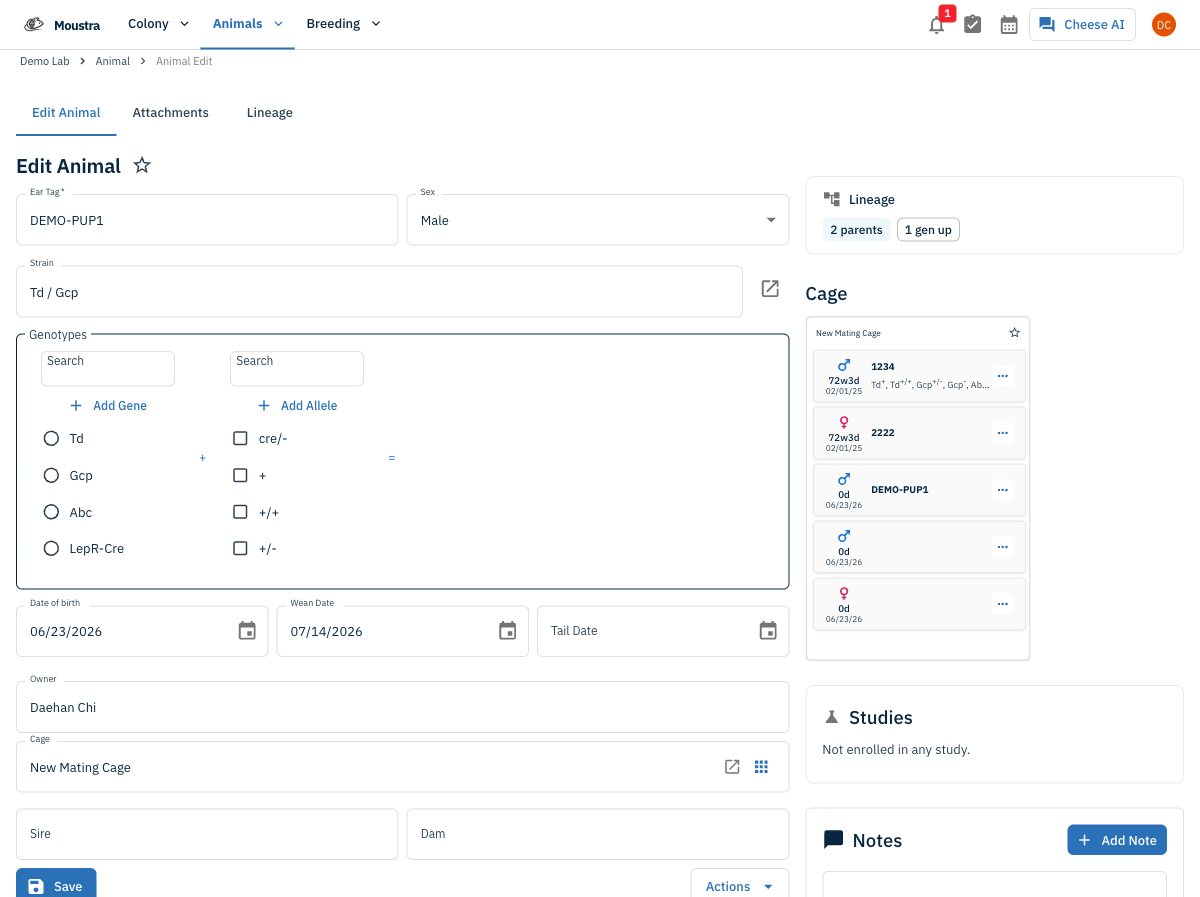
Open the Lineage tab
Click the Lineage tab (this is Moustra's family tree). The graph loads with the current animal highlighted, its parents above, and its littermates linked by lines. Each card shows DOB, strain, genotype, and the litter and mating the animal came from.
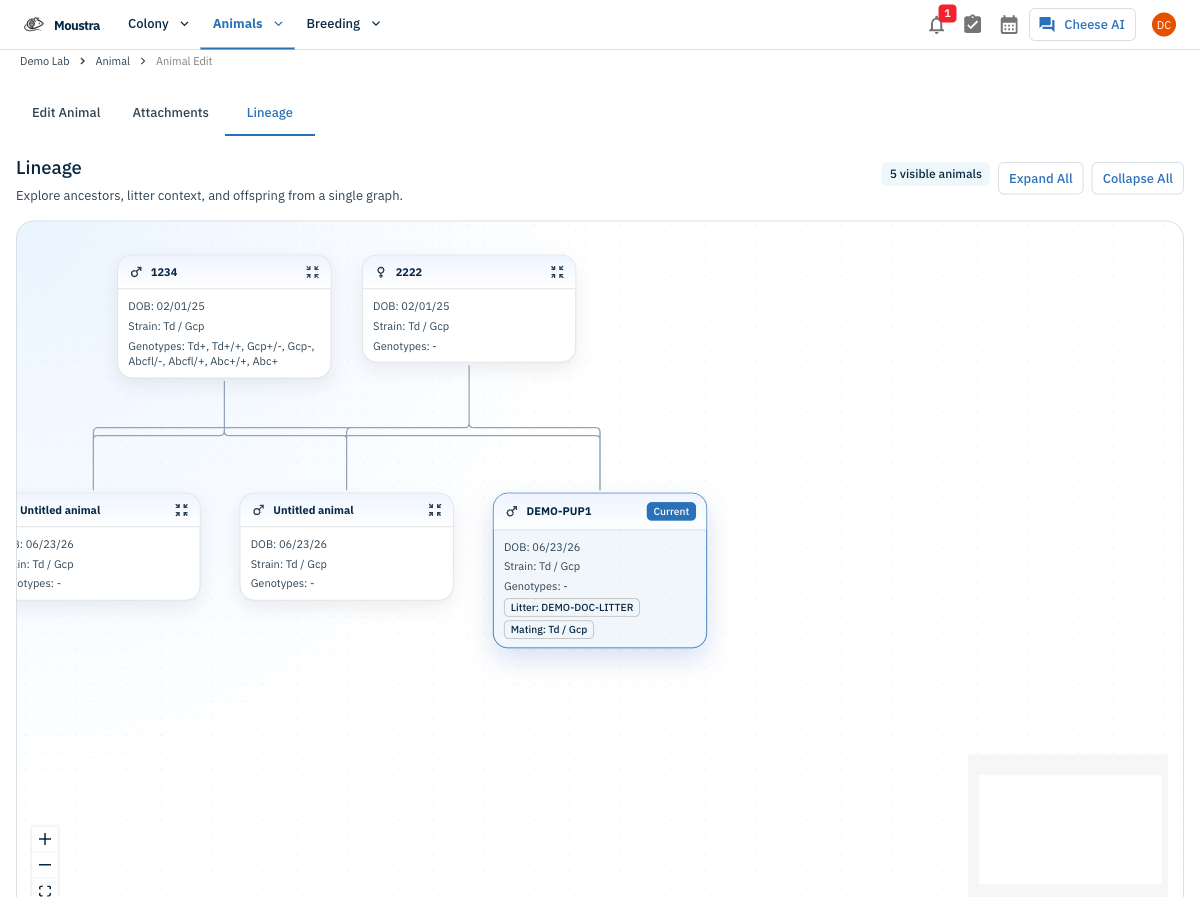
Explore and navigate
Click any node to open that animal's record, then reopen its Lineage tab to re-center the graph on it (shown here on the sire 1234, with its offspring below). Use the zoom controls, Fit View, the mini-map, and Expand / Collapse All to move around large trees.
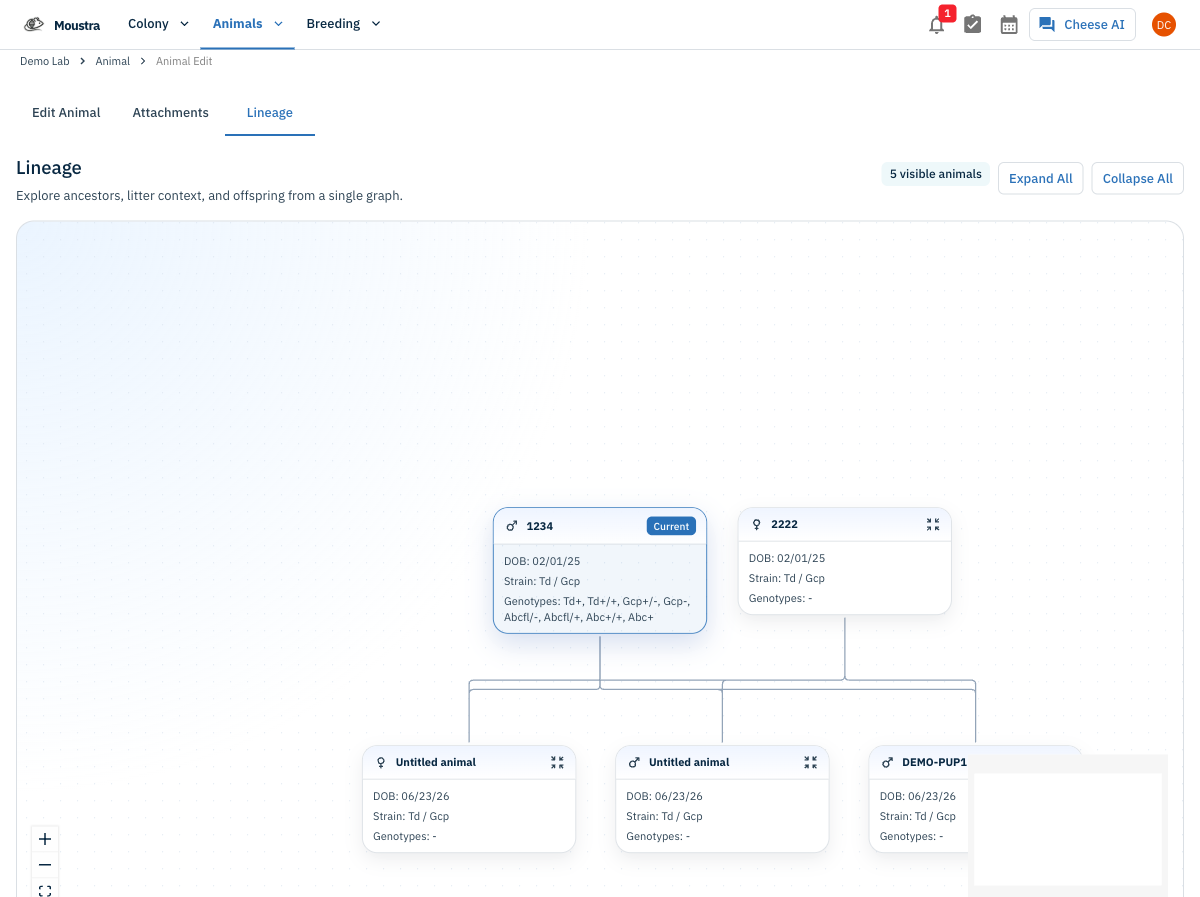
More in Navigation
How to Use the Cage Grid
See all the cages in a rack in a visual, spatial layout that mirrors your physical rack — check occupancy and animal counts and spot empty slots at a glance.
How to Set Up IACUC Protocols
Create IACUC protocols with species limits so Moustra tracks approved animal usage and prevents exceeding caps.
How to Use the Rack View
Visualize your vivarium as an interactive rack layout to spot empty slots, check occupancy, and drag cages between racks.