How to Track Wean and Tail Sample Reminders
Wean and tail-sample due dates appear as events on Moustra's **Calendar**, which you open from the calendar icon in the top bar. Every active animal and litter contributes **Wean** and **Tail Sample** events dated from its **Wean Date** and **Tail Date** (Moustra computes these from your strain or lab defaults). Filter the calendar to just the reminders you care about, and click any event to jump to that animal or litter. Note: the **bell** icon beside it is the **Notification Center** for colony activity — it does not track wean or tail reminders.
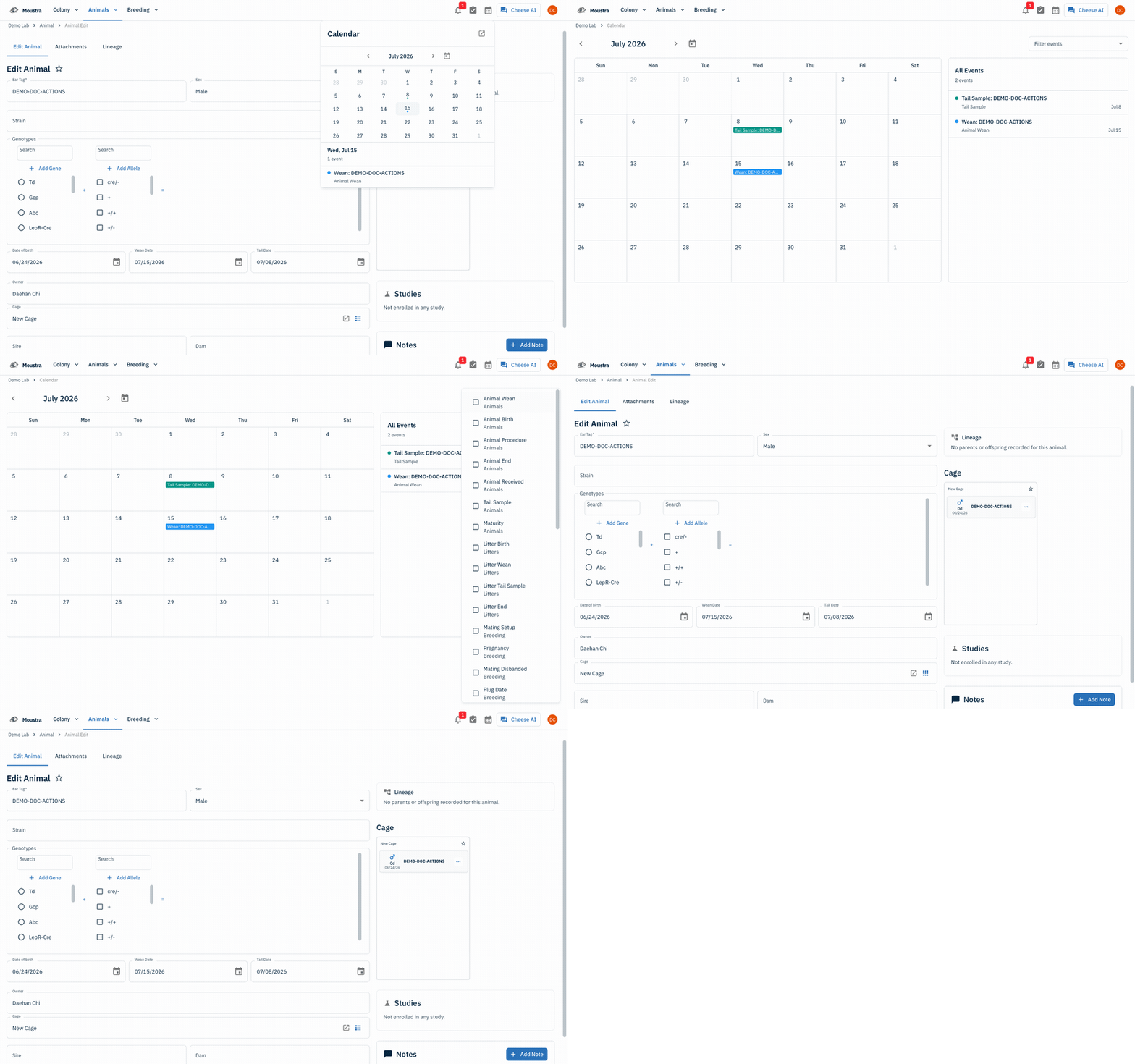
Open the Calendar
Click the calendar icon in the top bar to open the calendar popover. Days with something scheduled show a dot; click a day to list its events, or choose Open full page for the full month view.
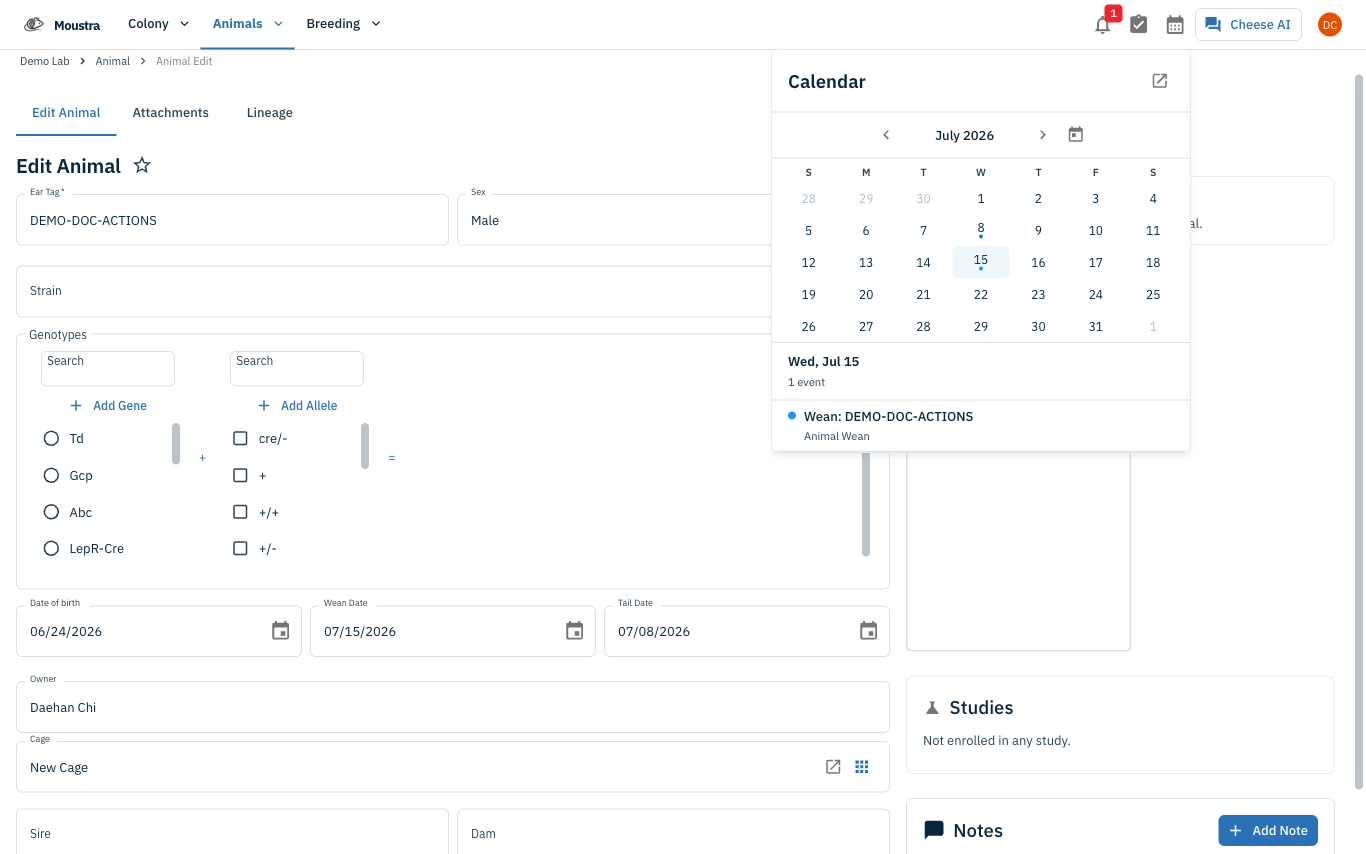
Spot wean and tail sample events
Wean reminders appear as Animal Wean and Litter Wean events, and sampling reminders as Tail Sample and Litter Tail Sample events, each on its due date. The list on the right shows every event for the month at a glance.
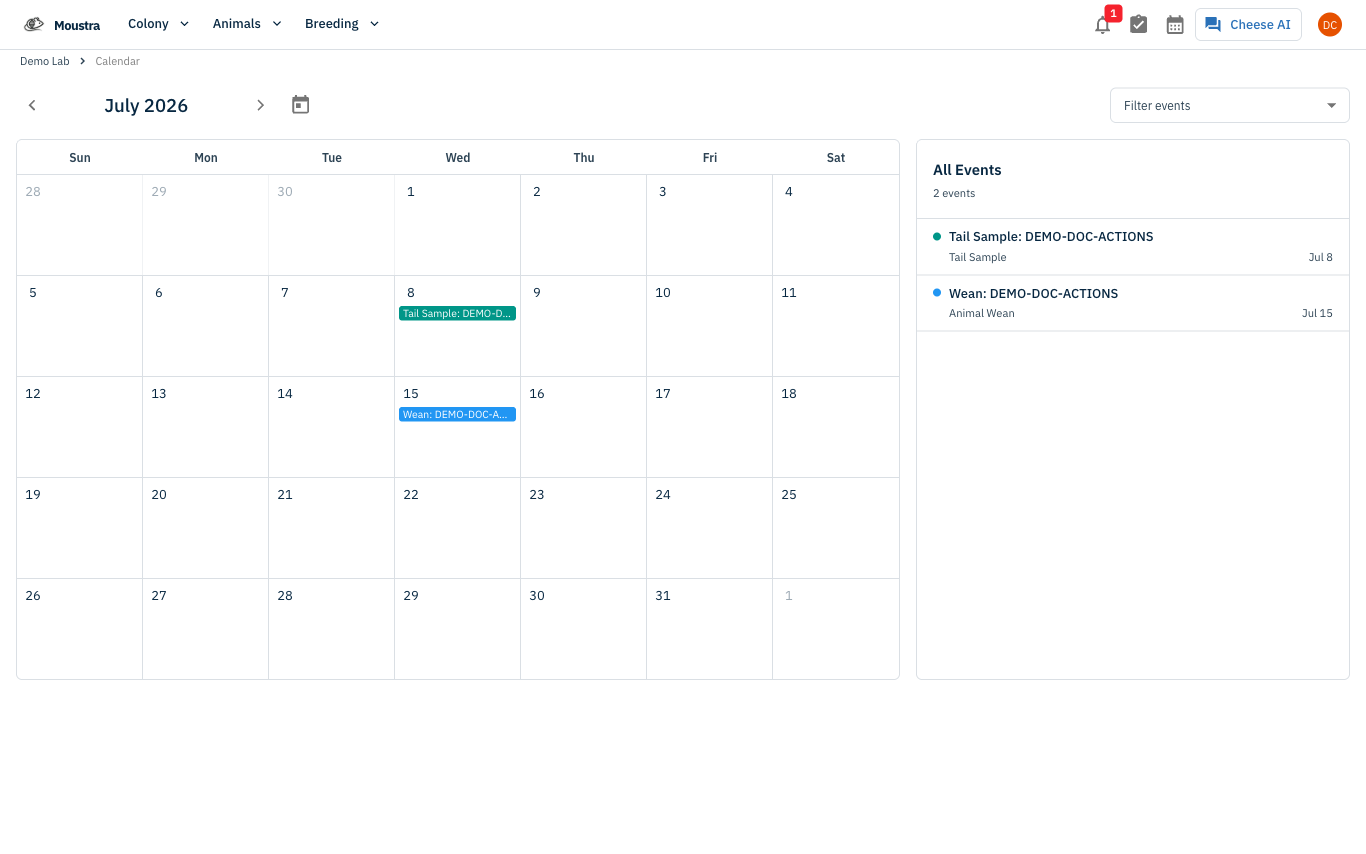
Filter to just the reminders you want
Open Filter events and pick only the types you track — for example Animal Wean, Tail Sample, Litter Wean, and Litter Tail Sample — to hide births, matings, plug checks, and daily records.
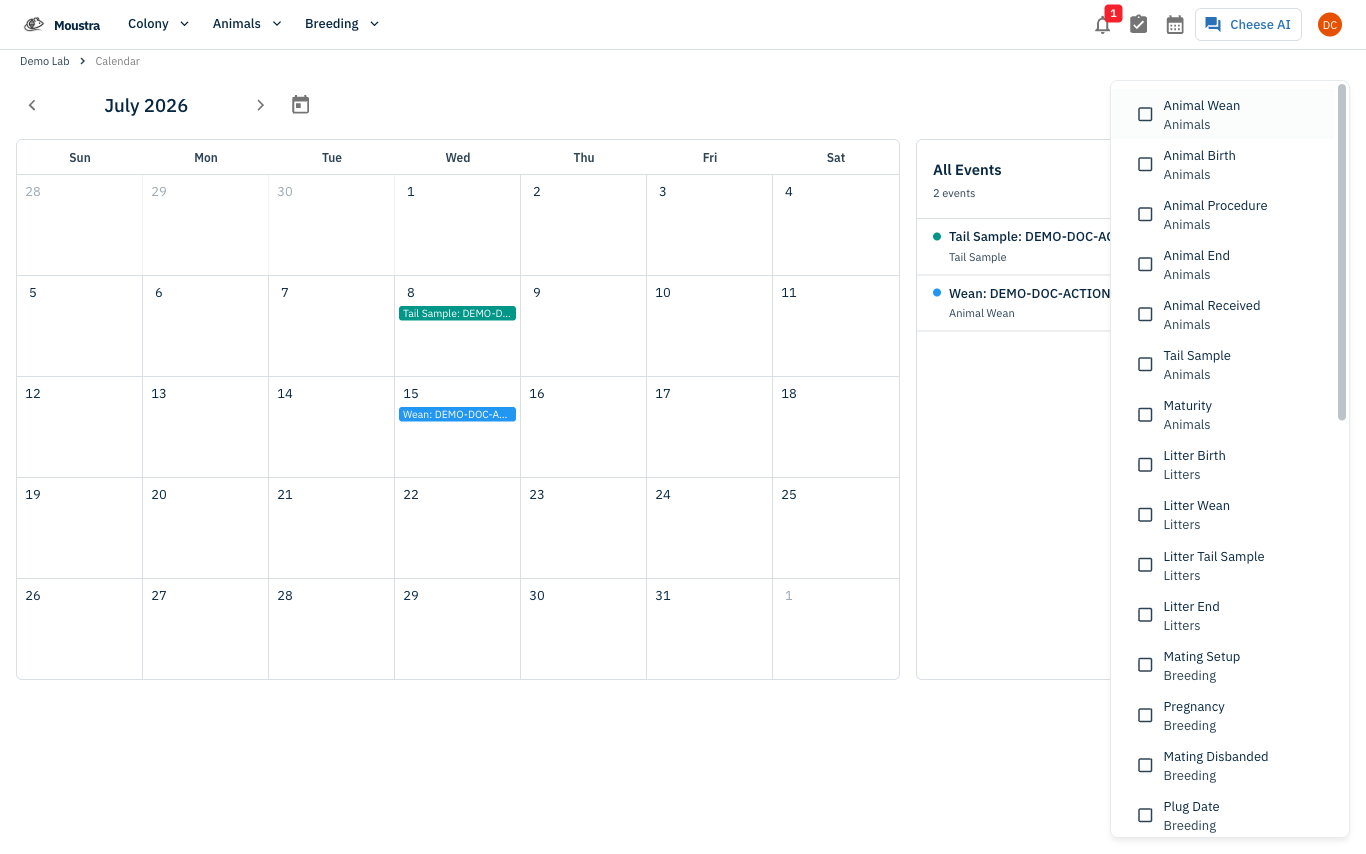
Jump to the animal or litter
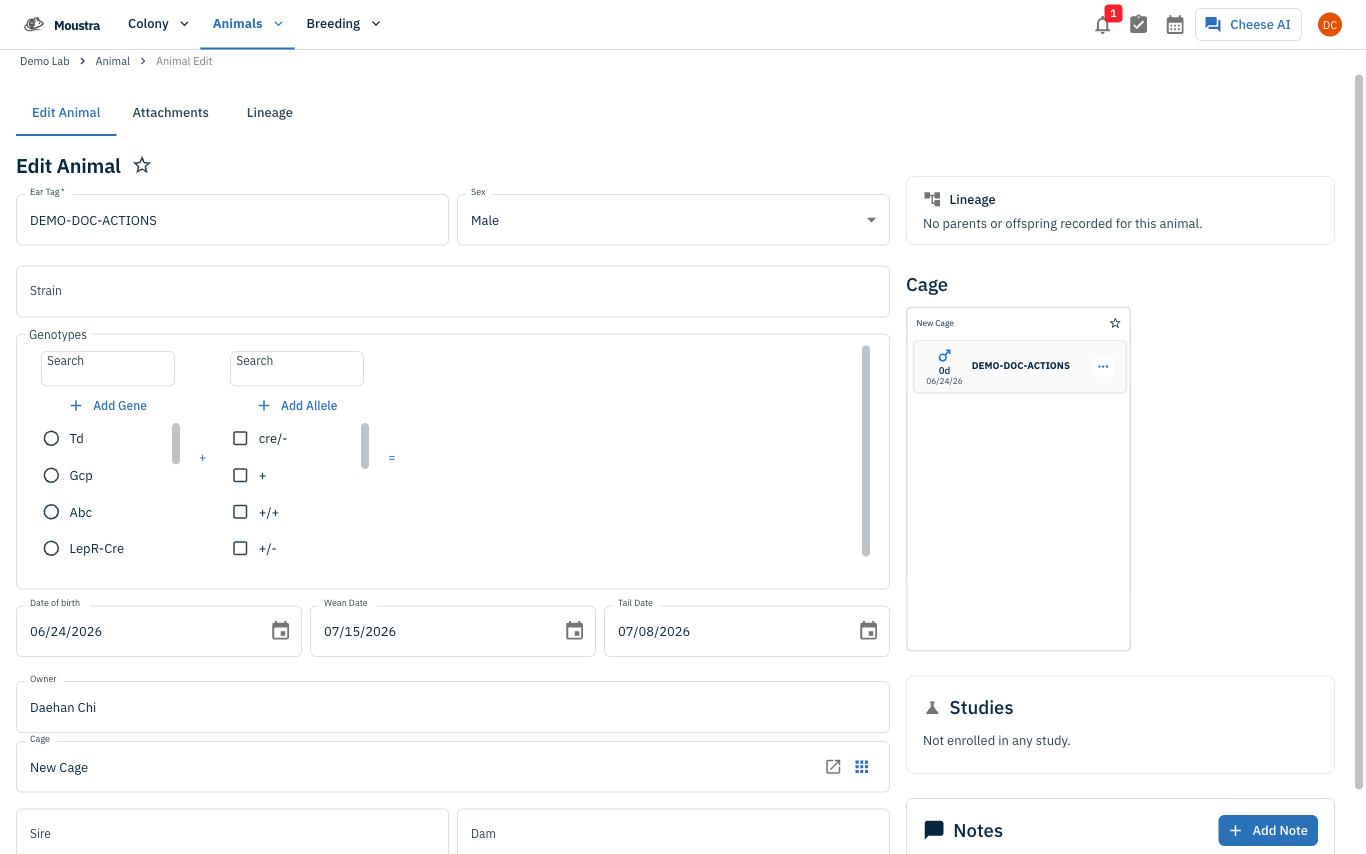
Click any event to open that animal's or litter's detail page. The Wean Date and Tail Date fields there are where the reminder dates come from — edit them and the calendar updates automatically.
More in Navigation
How to Use the Cage Grid
See all the cages in a rack in a visual, spatial layout that mirrors your physical rack — check occupancy and animal counts and spot empty slots at a glance.
How to View the Family Tree
Visualize an animal's lineage and offspring to understand genetic relationships and plan breeding pairs.
How to Set Up IACUC Protocols
Create IACUC protocols with species limits so Moustra tracks approved animal usage and prevents exceeding caps.