How to Add a Litter
Record a new litter from an existing mating. Moustra creates one animal record per pup and links them to the parents.
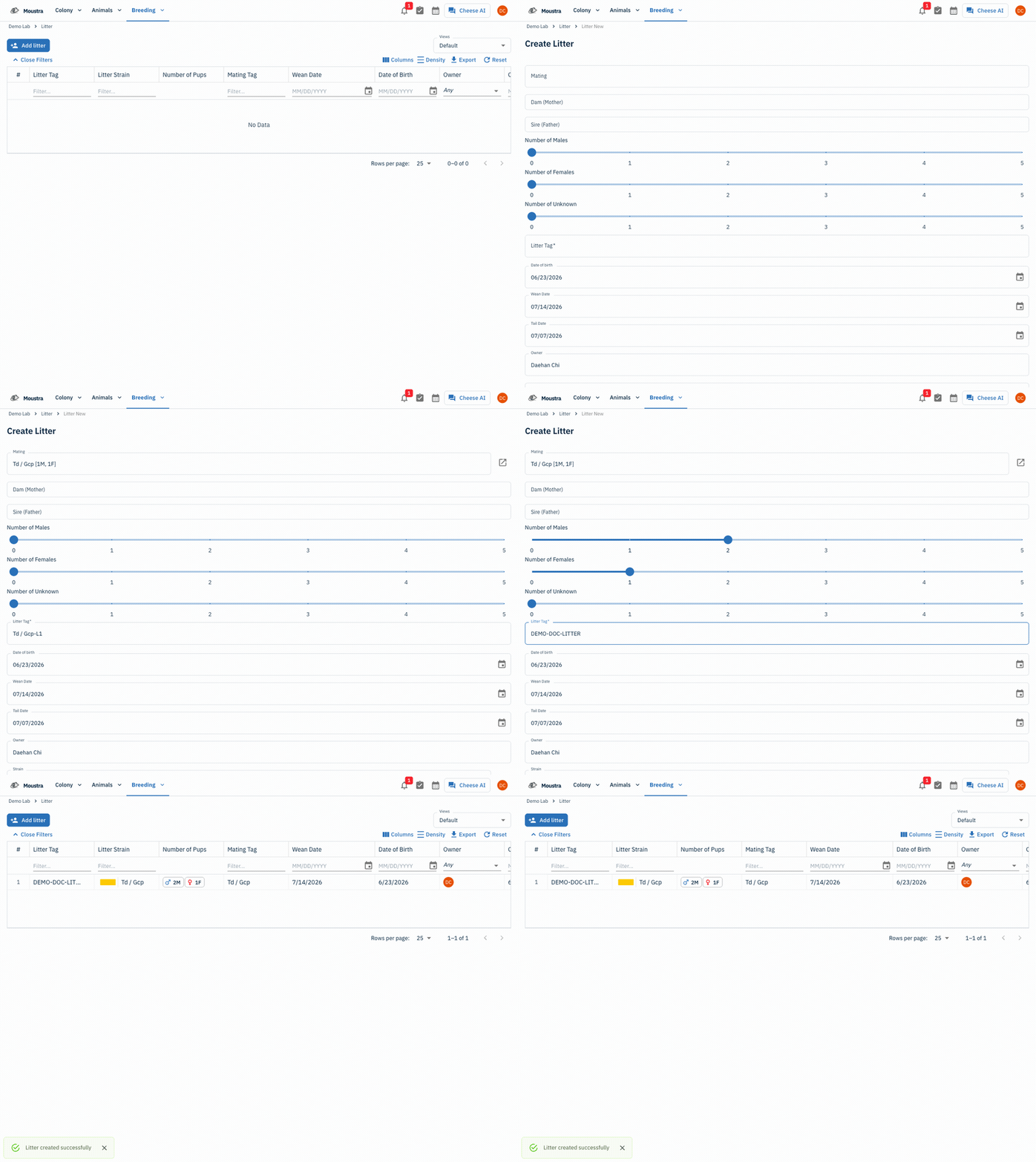
Open the Litter page
From the Breeding menu, choose Litter to open the litter grid.
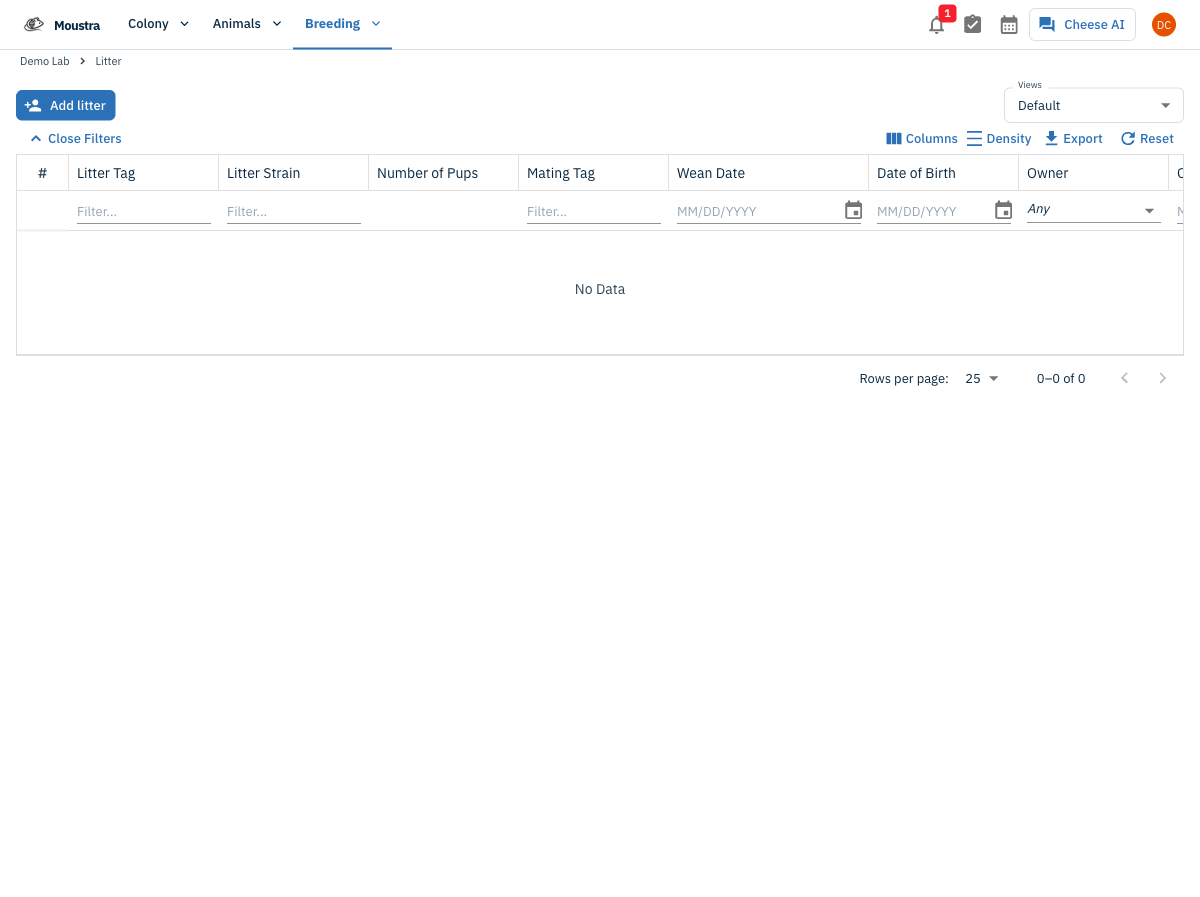
Start a new litter
Click Add litter to open the Create Litter form. (You can also click Add Litter from a mating's own page to pre-fill the parents.)
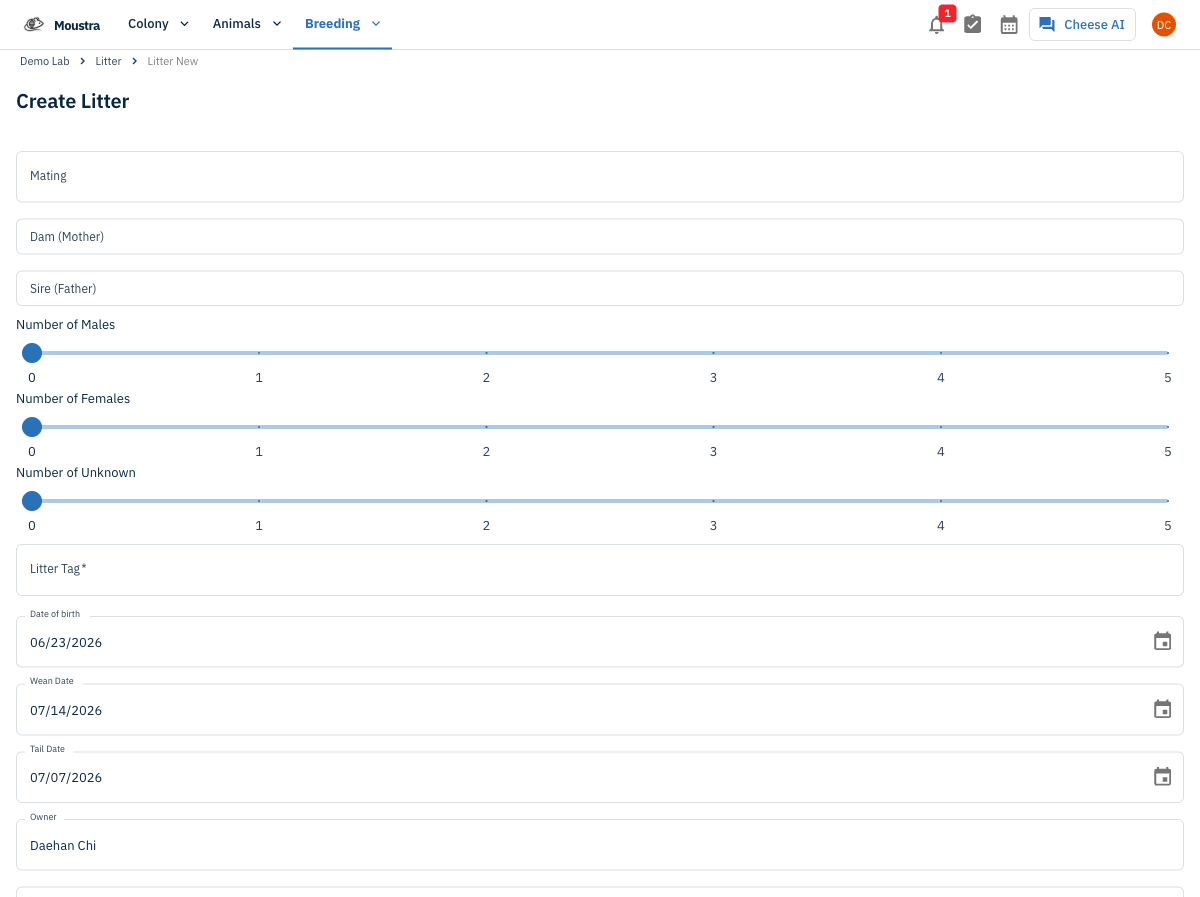
Pick the parent mating
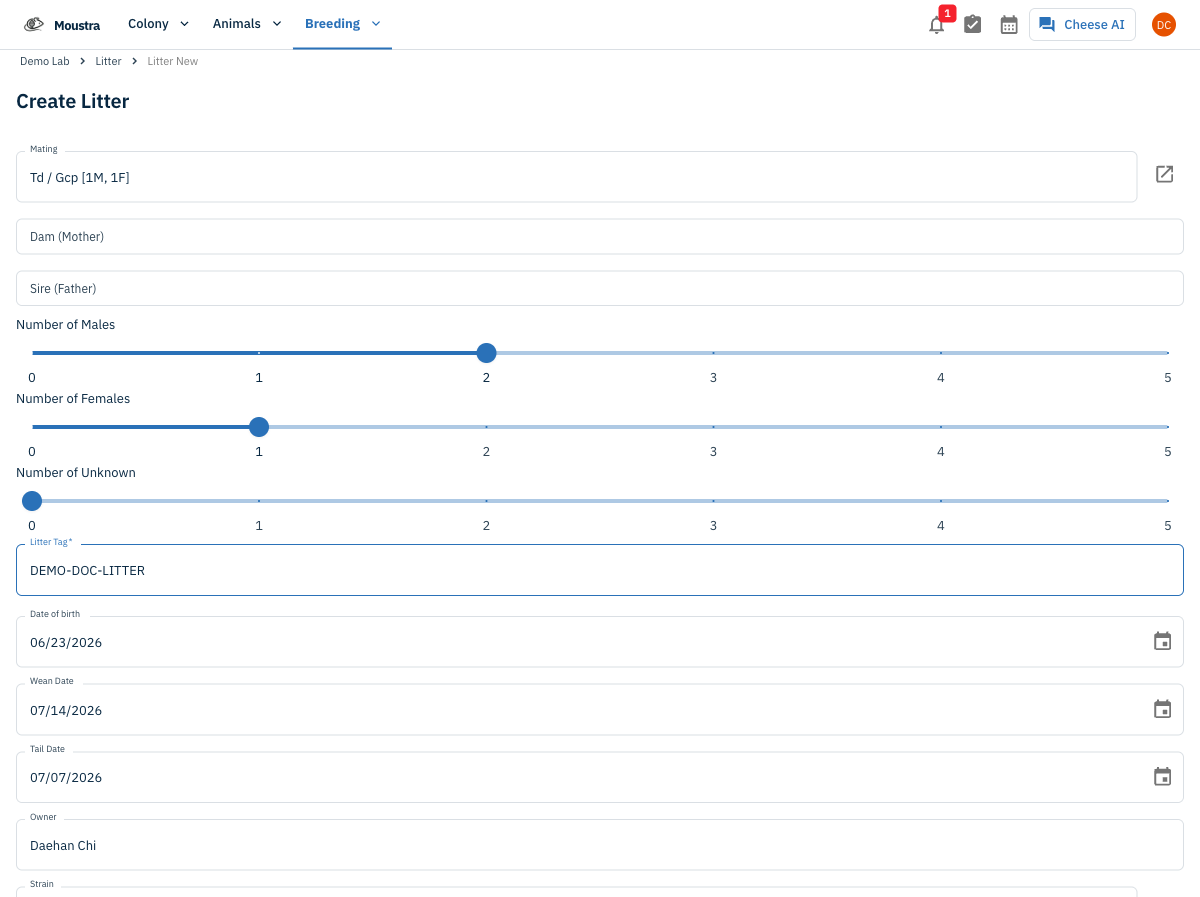
Choose the parent Mating from the dropdown — this sets the Dam, Sire, and litter Strain automatically. Only active matings appear in the list.
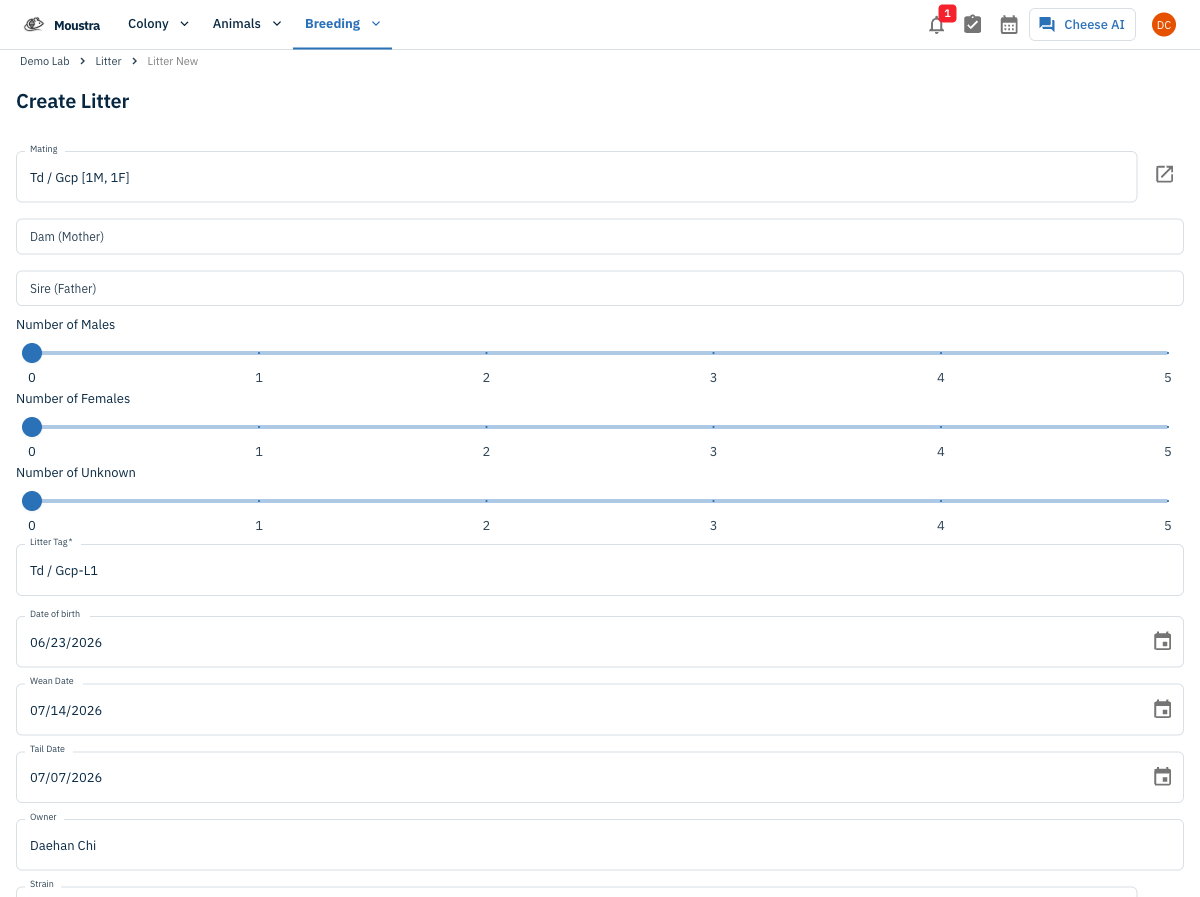
Enter the litter details
Use the Number of Males / Females / Unknown sliders to set the pup counts, and give the litter a Litter Tag. Date of Birth defaults to today; Wean Date and Tail Date auto-calculate from the strain's wean/tail ages.
Save the litter
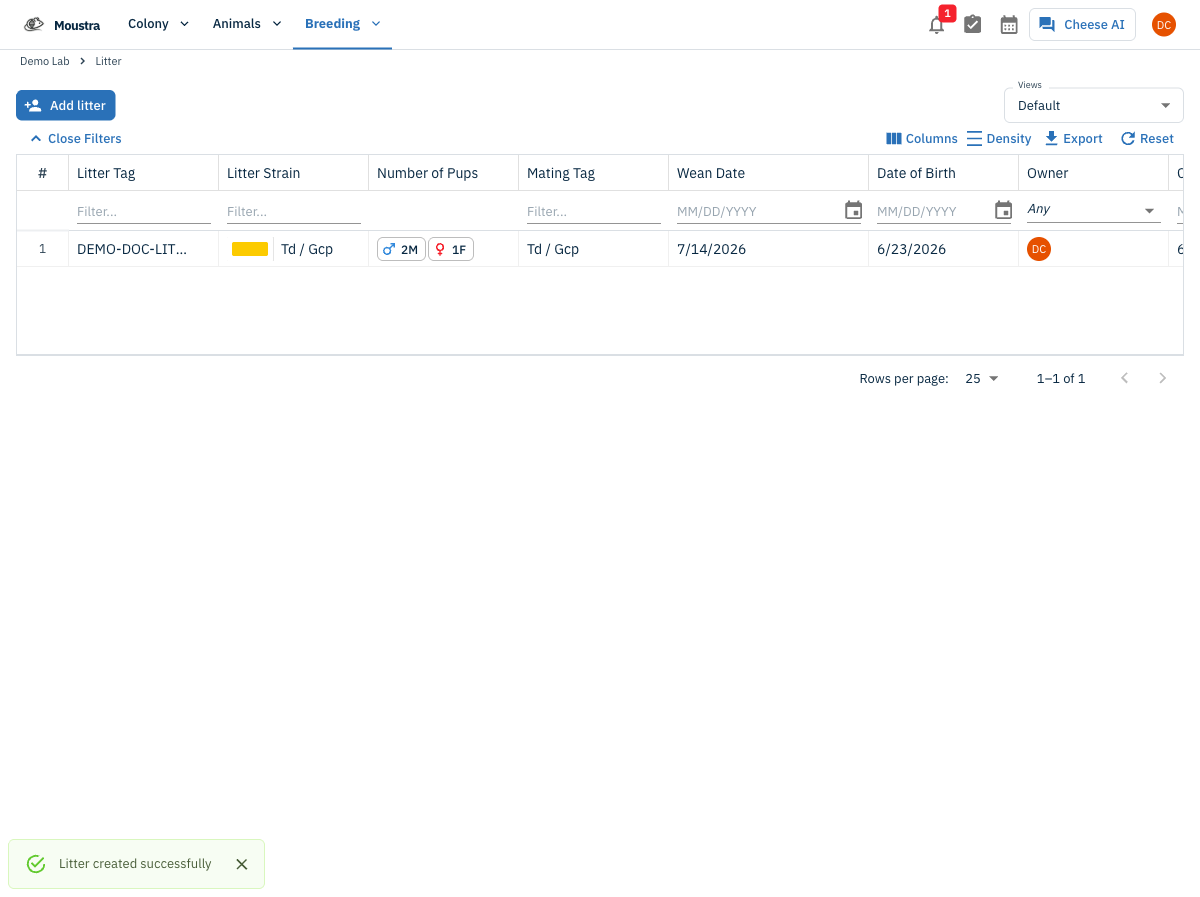
Click Save. Moustra generates one animal record per pup and the litter appears in the grid.
More in Editing your colony
How to Create a New Animal
Step-by-step instructions for adding a new animal, including key fields and tips.
How to Add a New Strain
This guide will walk you through the process of creating a new strain entry in Moustra.
How to Add Breeding Animals
This guide will walk you through the process of creating multiple breeding animals at once in Moustra.