How to Use Cheese AI
Ask Cheese AI plain-English questions about your colony and get instant answers — totals, by-strain breakdowns, what is due for weaning, and more — without building a report.
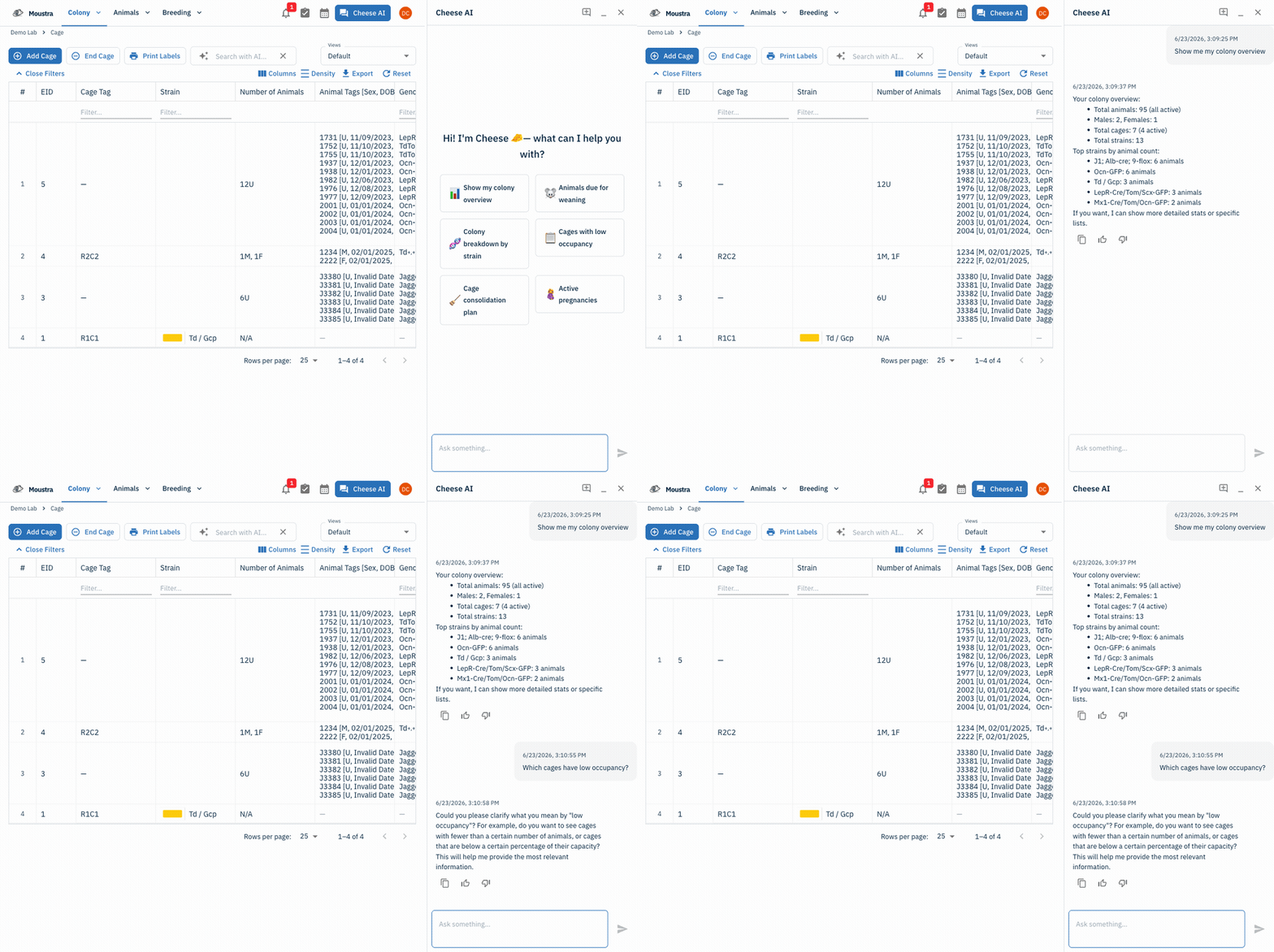
Open the Cheese AI panel
Click Cheese AI in the top navigation. The panel slides in from the right with suggested prompts and stays available on any page.
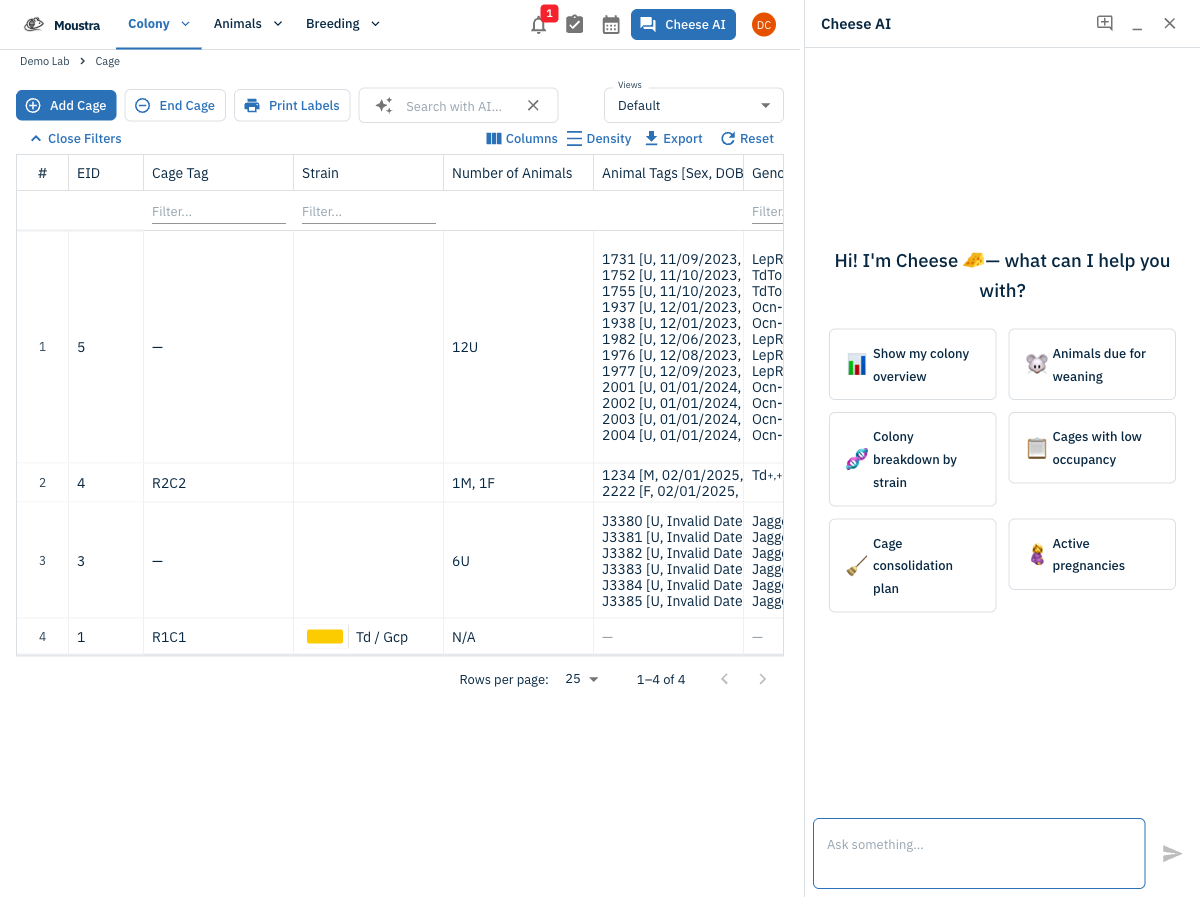
Ask a colony question
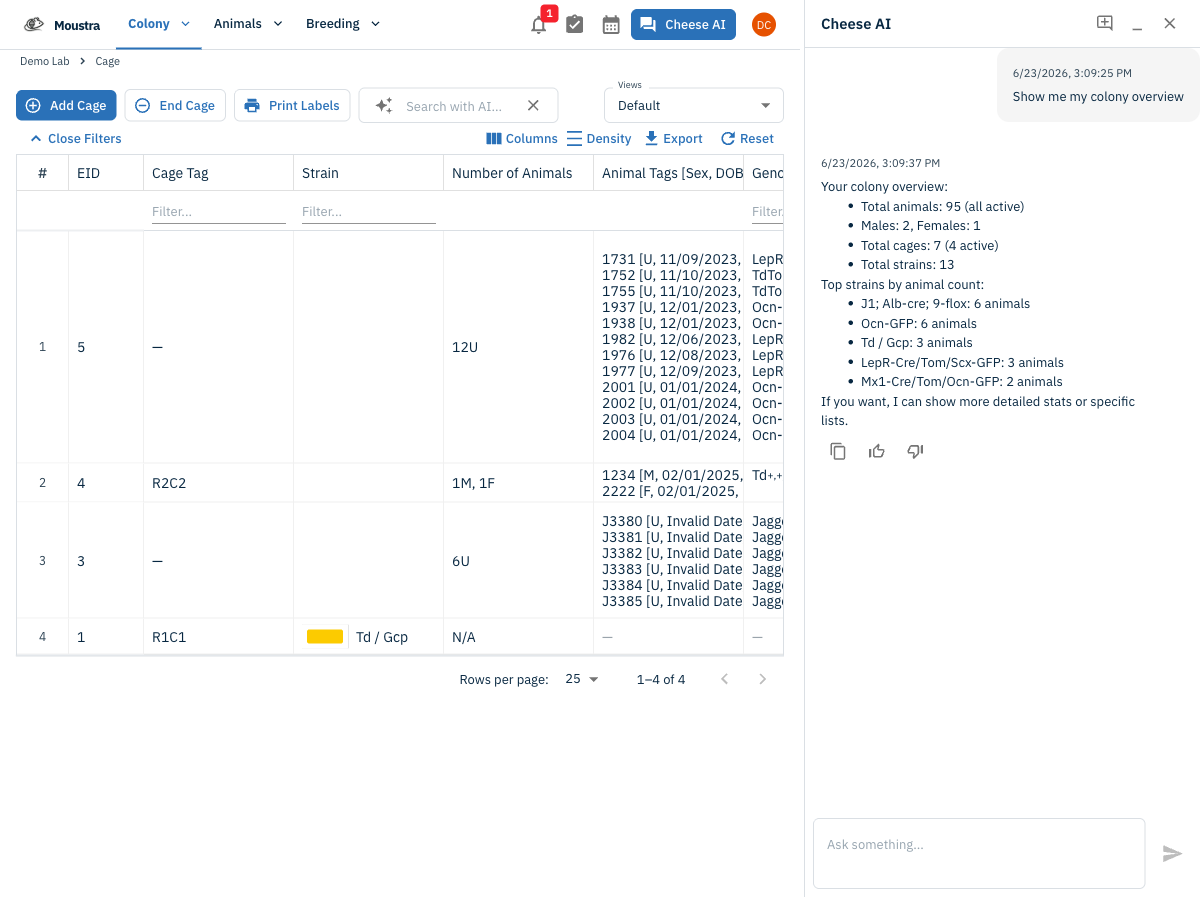
Click a suggested prompt or type a natural-language question, such as "Show me my colony overview". Cheese answers with live stats from your colony — totals, active cages, and a by-strain breakdown.
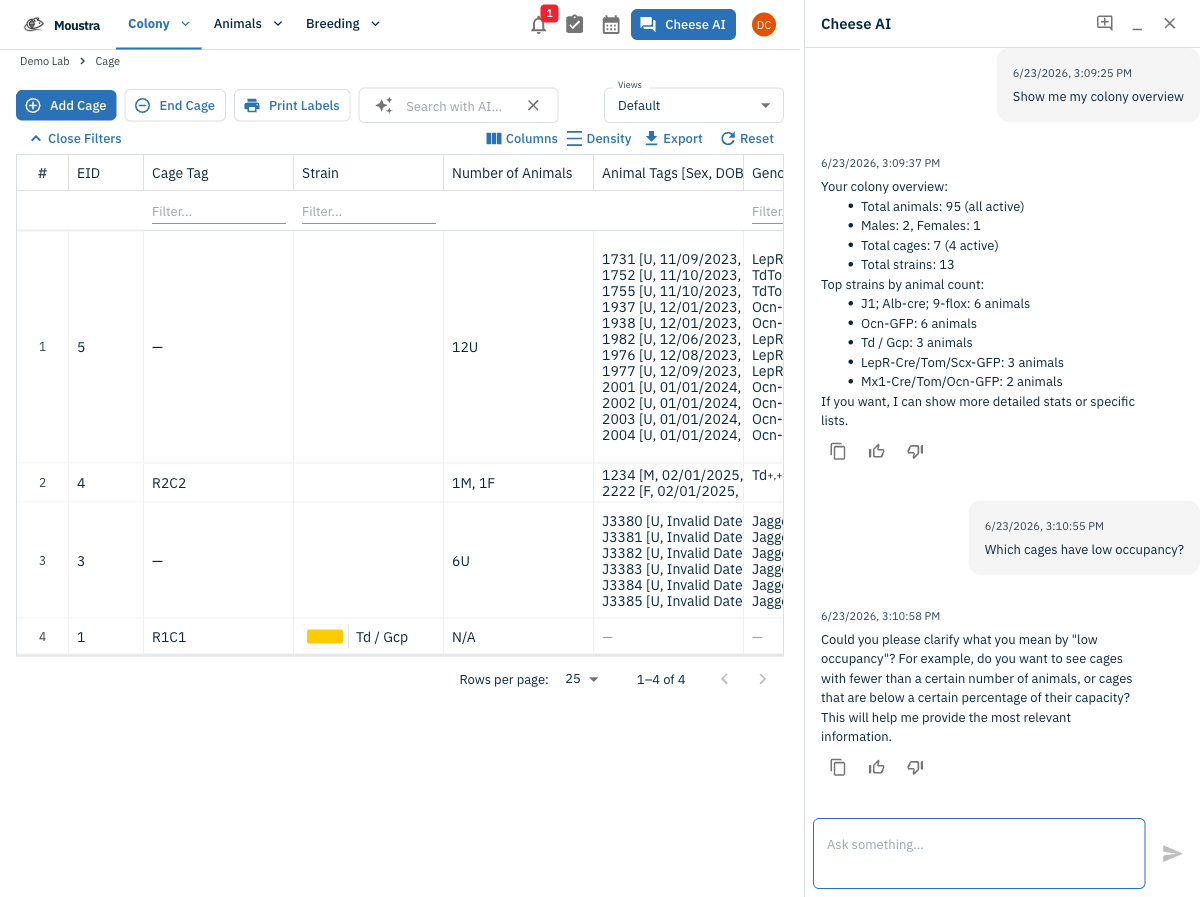
Refine in the same chat
Send a follow-up to narrow things down. Cheese keeps context across the conversation and will ask a clarifying question or show the underlying list so you can verify the data.
Get help with onboarding
New labs can ask things like "What should I configure first?" and Cheese will recommend next steps and point you to the right pages in Moustra.
Your data stays in scope
Cheese only reads data inside your lab membership and permission boundaries — it can't see other labs' colonies, and it never sends your data outside your authorized scope.
More in Advanced
Quick Edit Cell
Edit values directly in any data grid: double-click an editable cell and Moustra shows the right input (text, number, date, or dropdown). Press Enter to save or Escape to cancel.
How to Print Cage Cards
Print cage labels with animal tags, strain, and IACUC information for physical cage identification.
How to Connect Slack
Receive real-time notifications in Slack for litters, weans, and colony milestones without logging into Moustra.