How to End Cages
End a cage to retire it from your rack — after a takedown or when a line is closed. Ending a cage also ends every animal housed in it, so move any animals you want to keep into another cage first.
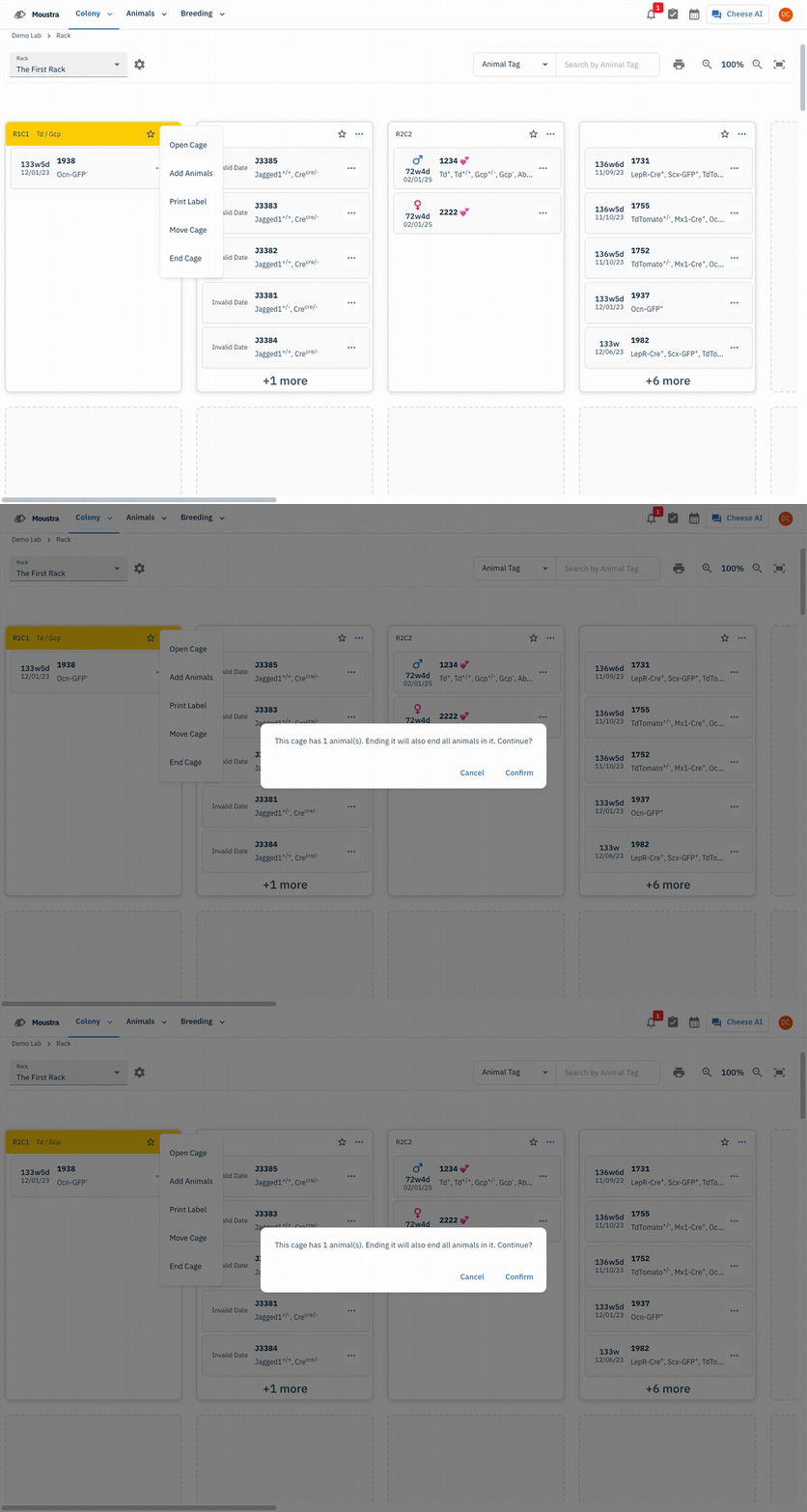
Open the cage menu on the Rack
On the Rack view (Colony → Rack), find the cage and click the ⋯ menu in its card header, then choose End Cage. The same menu also offers Open Cage, Add Animals, Print Label, and Move Cage.
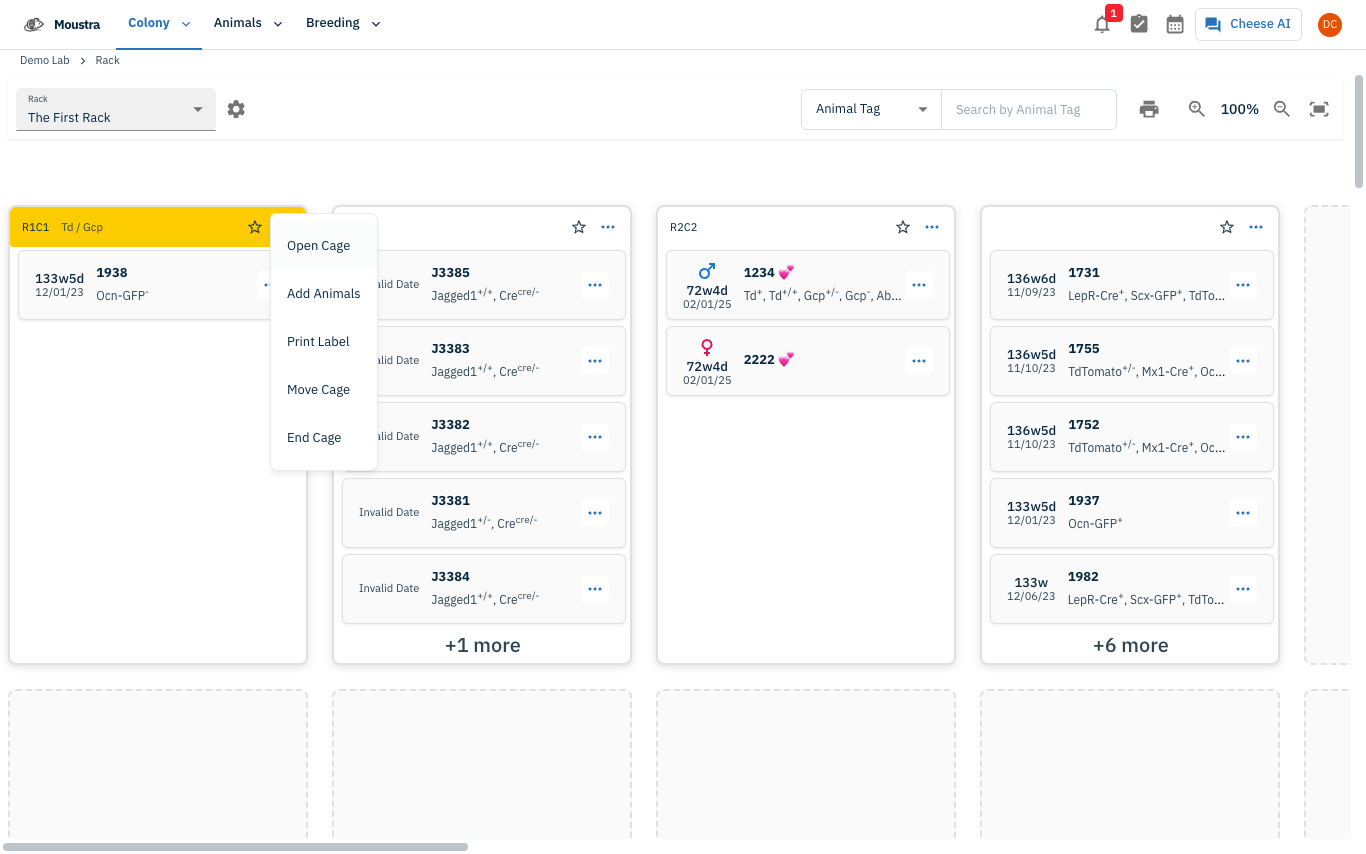
Confirm the end
A confirmation appears — for example This cage has 1 animal(s). Ending it will also end all animals in it. Continue? Click Confirm to end the cage and everything housed in it, or Cancel to back out. The cage drops off the rack and moves to your inactive records.
More in Editing your colony
How to Create a New Animal
Step-by-step instructions for adding a new animal, including key fields and tips.
How to Add a New Strain
This guide will walk you through the process of creating a new strain entry in Moustra.
How to Add Breeding Animals
This guide will walk you through the process of creating multiple breeding animals at once in Moustra.