How to Wean a Litter
Wean a litter to move the pups into their grow-out cages and close the litter in a single step.
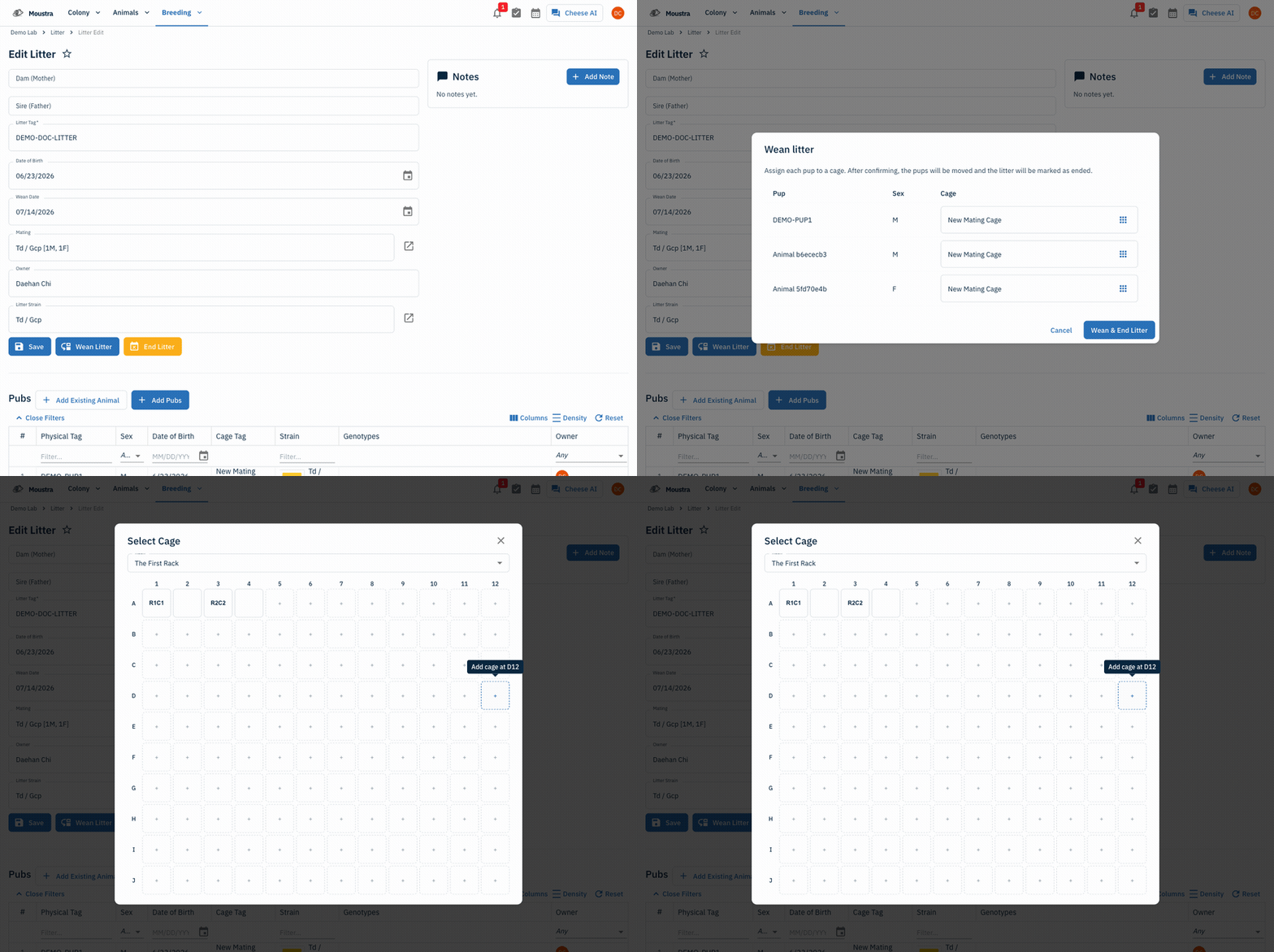
Open the litter
From the Breeding menu choose Litter, then open the active litter you are ready to wean.
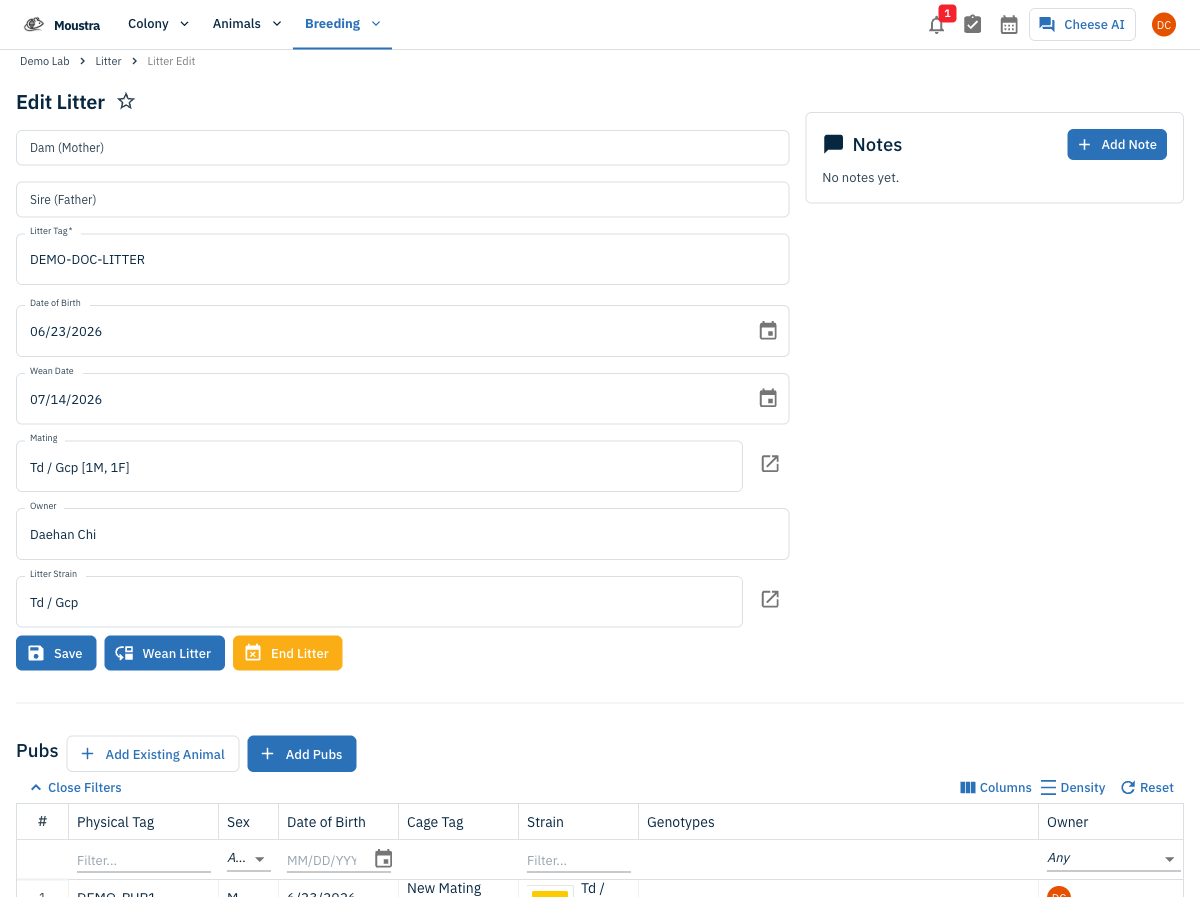
Click Wean Litter
Click Wean Litter at the top of the form to open the Wean litter dialog. The button only appears while the litter is still active.
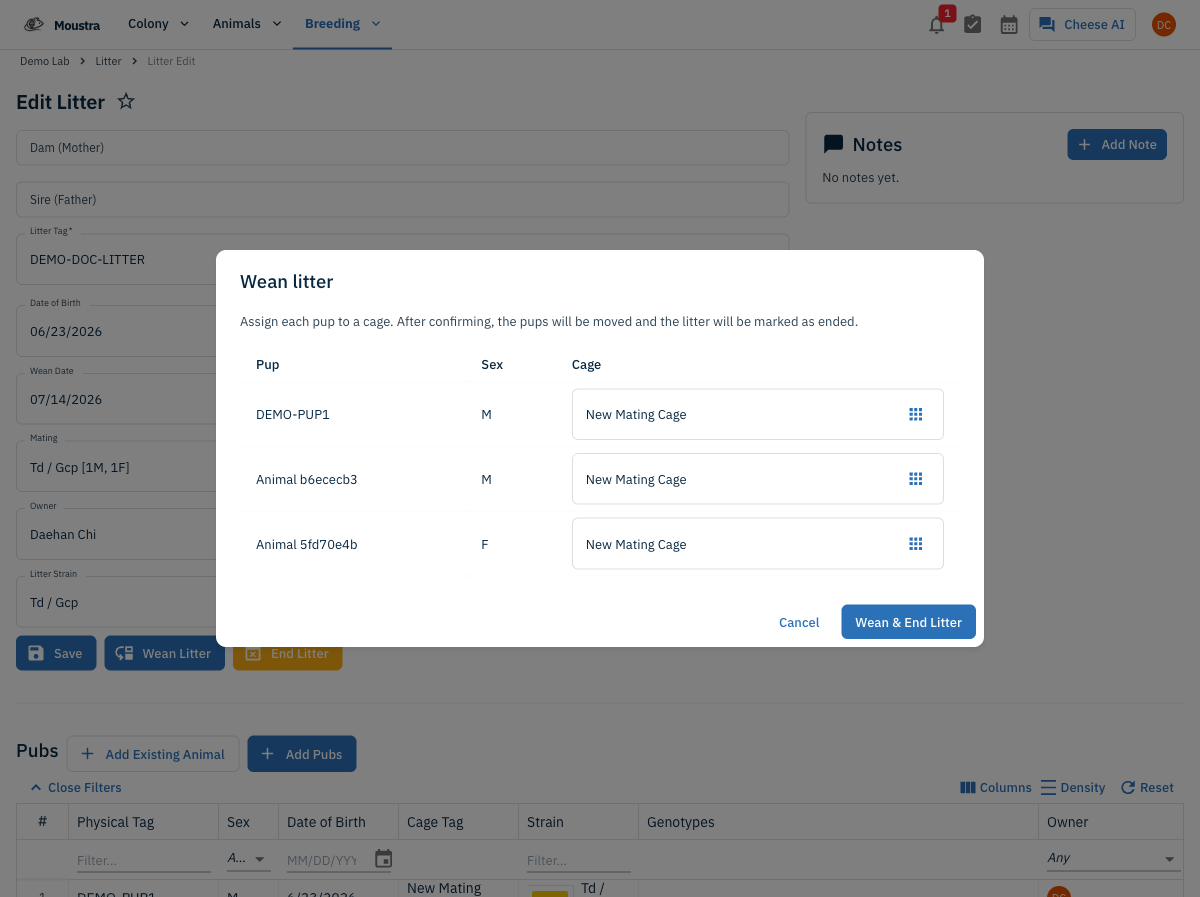
Assign cages and confirm
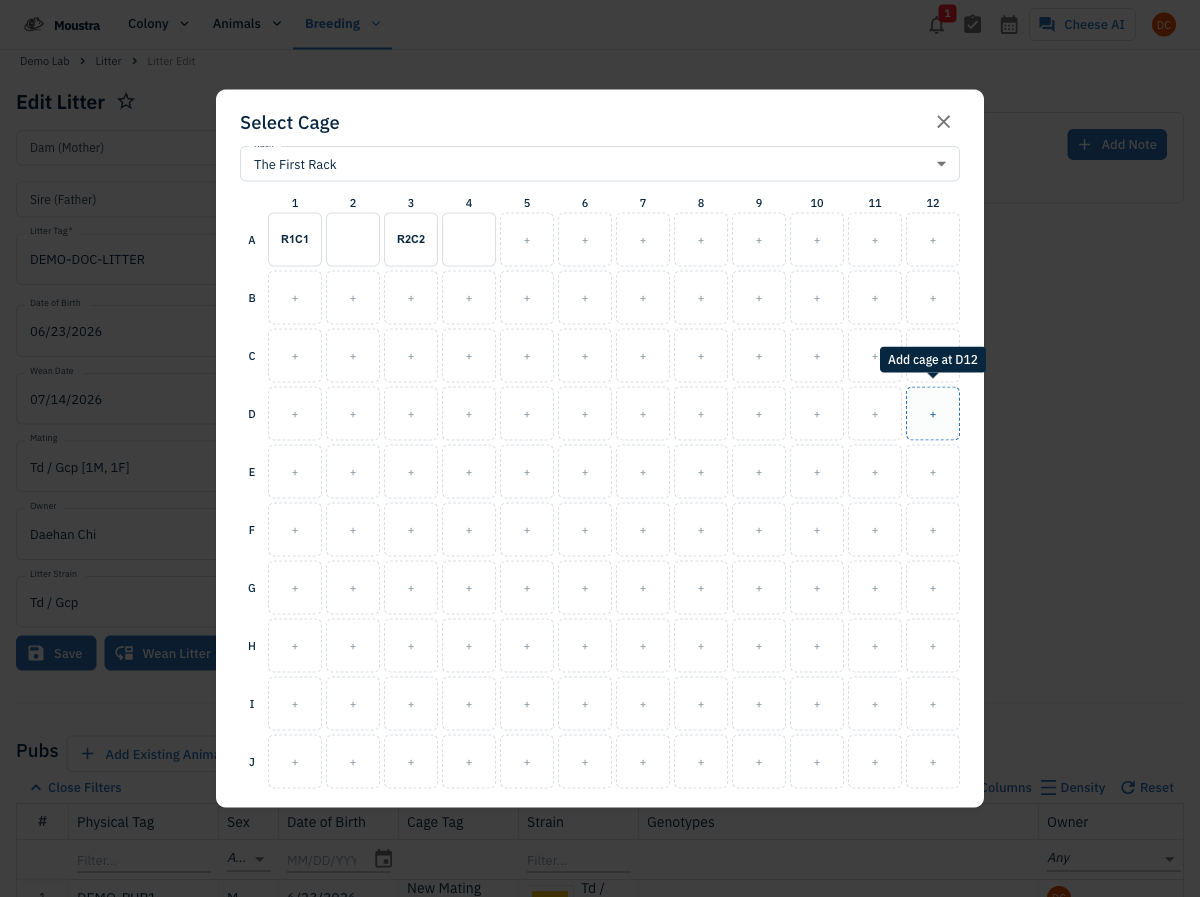
Give each pup a destination cage — every pup defaults to its current cage, so only change the ones that are moving (use the cage picker to choose a rack slot). Click Wean & End Litter to move the pups and end the litter together.
More in Editing your colony
How to Create a New Animal
Step-by-step instructions for adding a new animal, including key fields and tips.
How to Add a New Strain
This guide will walk you through the process of creating a new strain entry in Moustra.
How to Add Breeding Animals
This guide will walk you through the process of creating multiple breeding animals at once in Moustra.