How to Configure Default Wean and Tail Sample Ages
Configure how many days after birth Moustra schedules the wean and the tail or ear genotyping sample. Lab-level defaults apply everywhere; per-strain values override them so faster- or slower-developing lines get the right reminder date.
Open Lab Settings
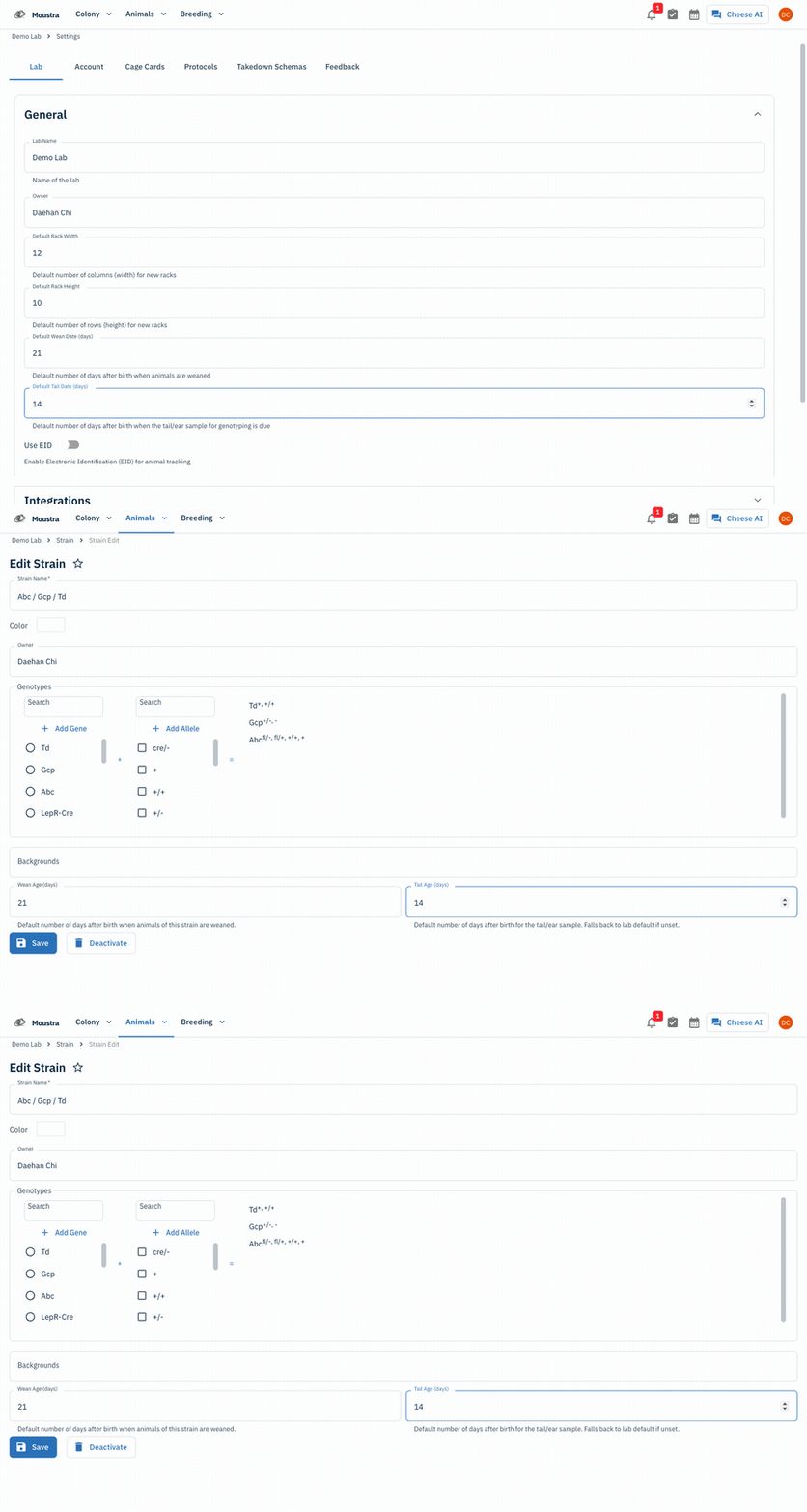
Click Settings in the navigation menu and open the Lab tab. The defaults live in the General section.
Set the wean default
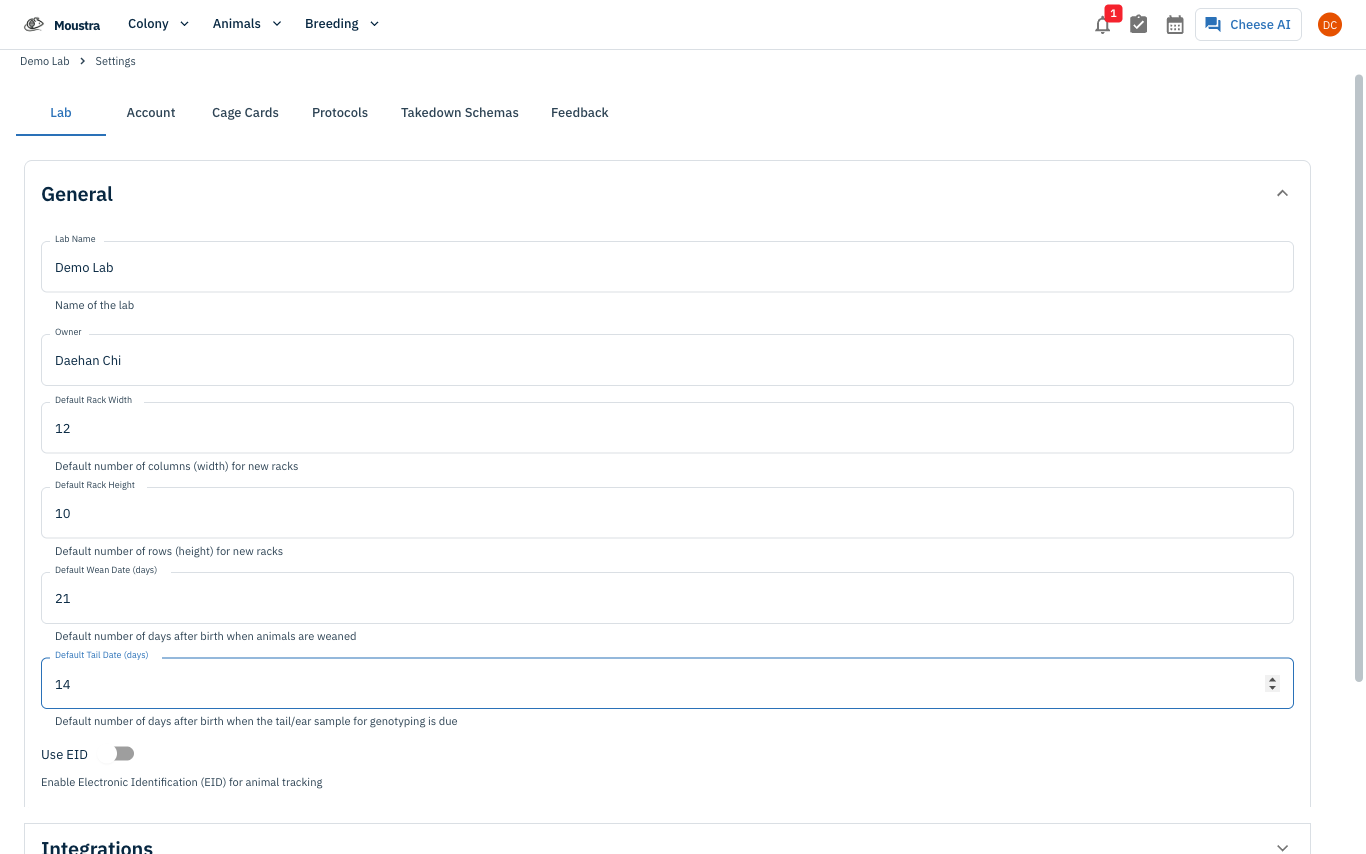
In Default Wean Date (days), enter the number of days after birth when pups are typically weaned. New litters get a wean date computed from this value.
Set the tail sample default
In Default Tail Date (days), enter the number of days after birth when the genotyping tail or ear sample is due. Leave it blank to disable the lab-wide reminder.
Save the lab settings
Click Save on the lab settings tab. Existing records aren't backfilled — only new litters and animals get the new defaults.
Override per strain (optional)
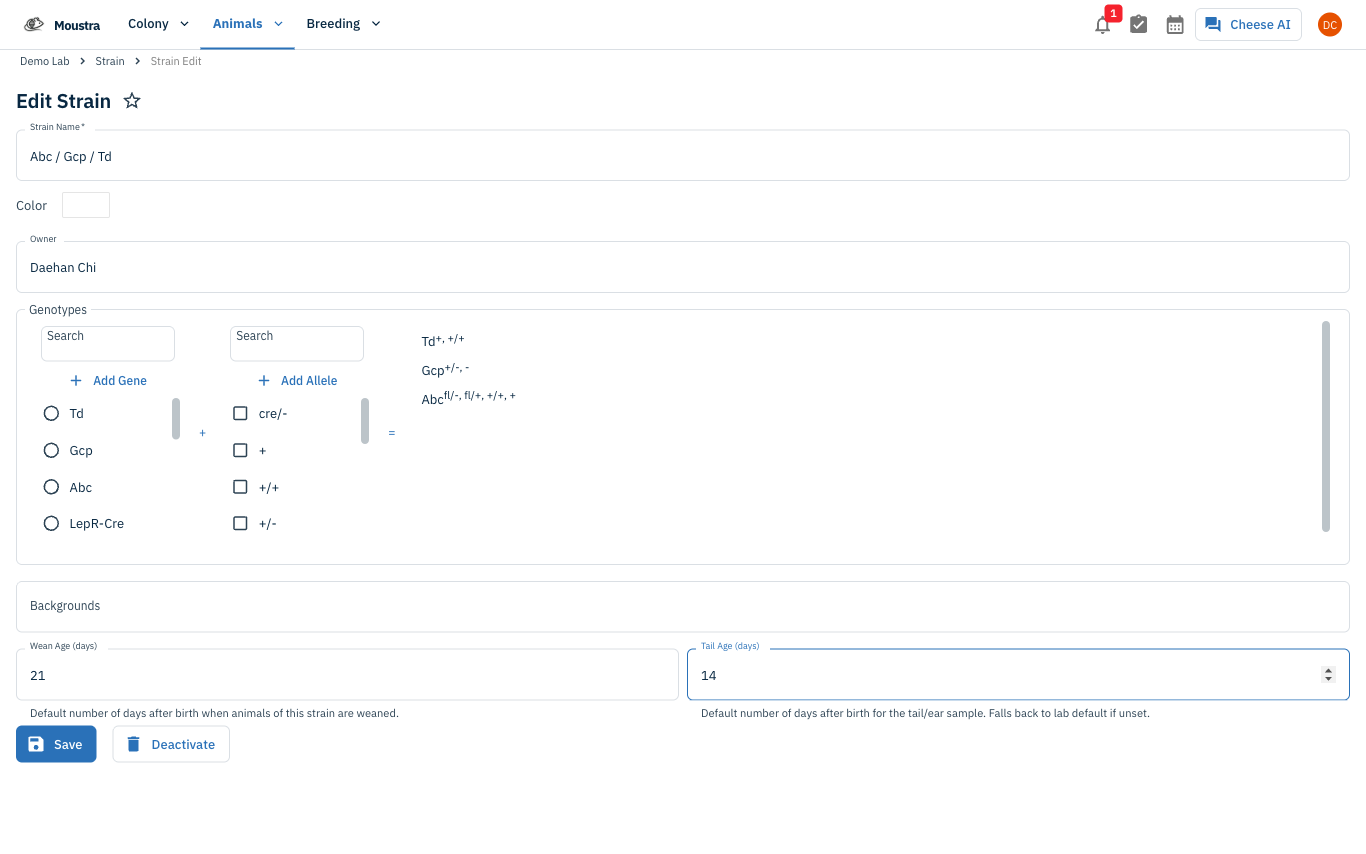
Open a strain from the Strain page. Set Wean Age (days) and Tail Age (days) to give that strain its own defaults. Leave either field blank to fall back to the lab default.
Save the strain
Click Save on the strain page. The next litter or animal you create on that strain uses the override.
More in Advanced
Quick Edit Cell
Edit values directly in any data grid: double-click an editable cell and Moustra shows the right input (text, number, date, or dropdown). Press Enter to save or Escape to cancel.
How to Print Cage Cards
Print cage labels with animal tags, strain, and IACUC information for physical cage identification.
How to Connect Slack
Receive real-time notifications in Slack for litters, weans, and colony milestones without logging into Moustra.