How to Mark an Animal as Weaned
Record an animal as weaned right from its Edit page. Moustra timestamps the wean, clears the wean reminder, and can move the pup to a new cage in the same step.
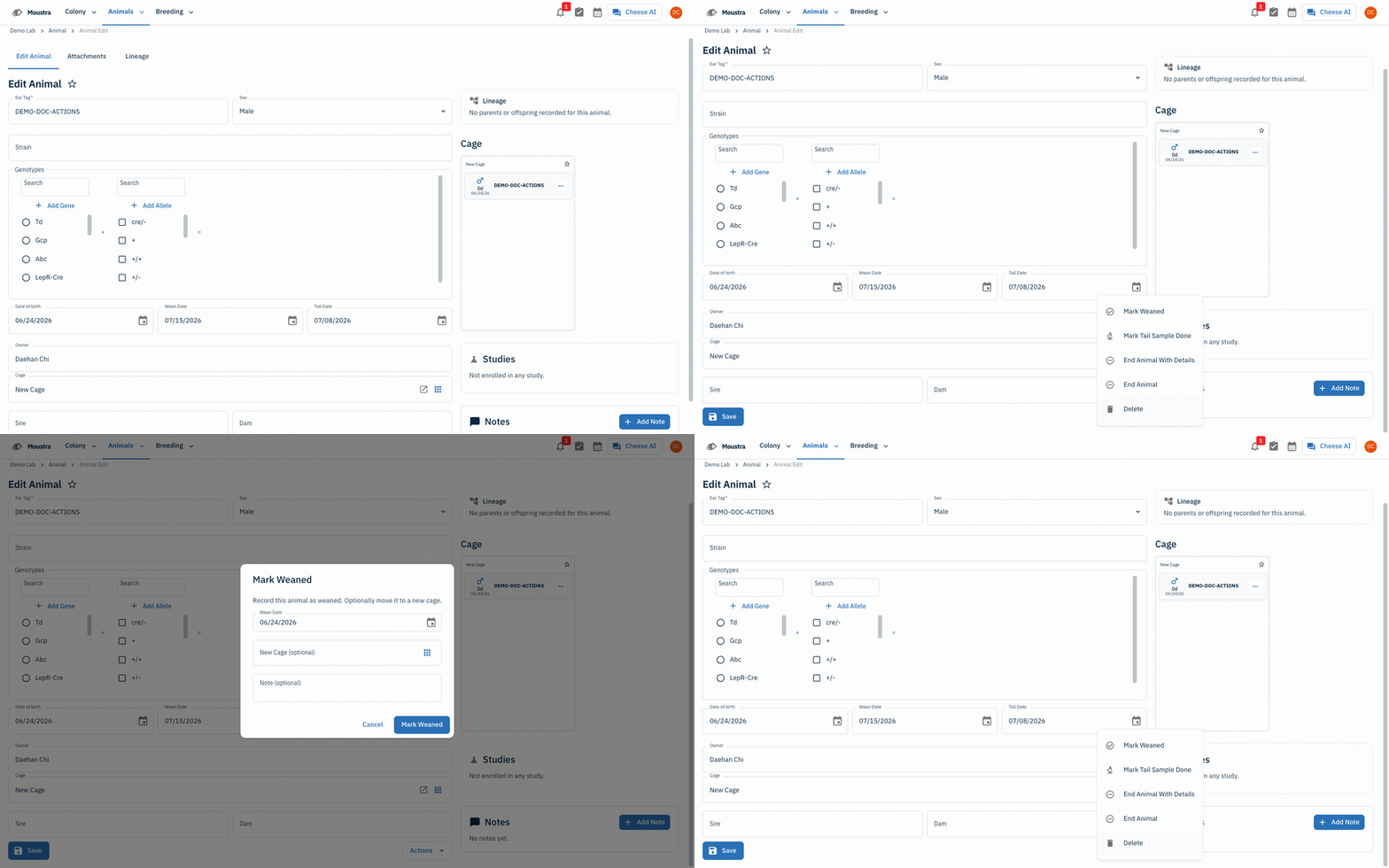
Open the animal's Edit page
From Animals → Animal, click an animal row to open its Edit Animal page.
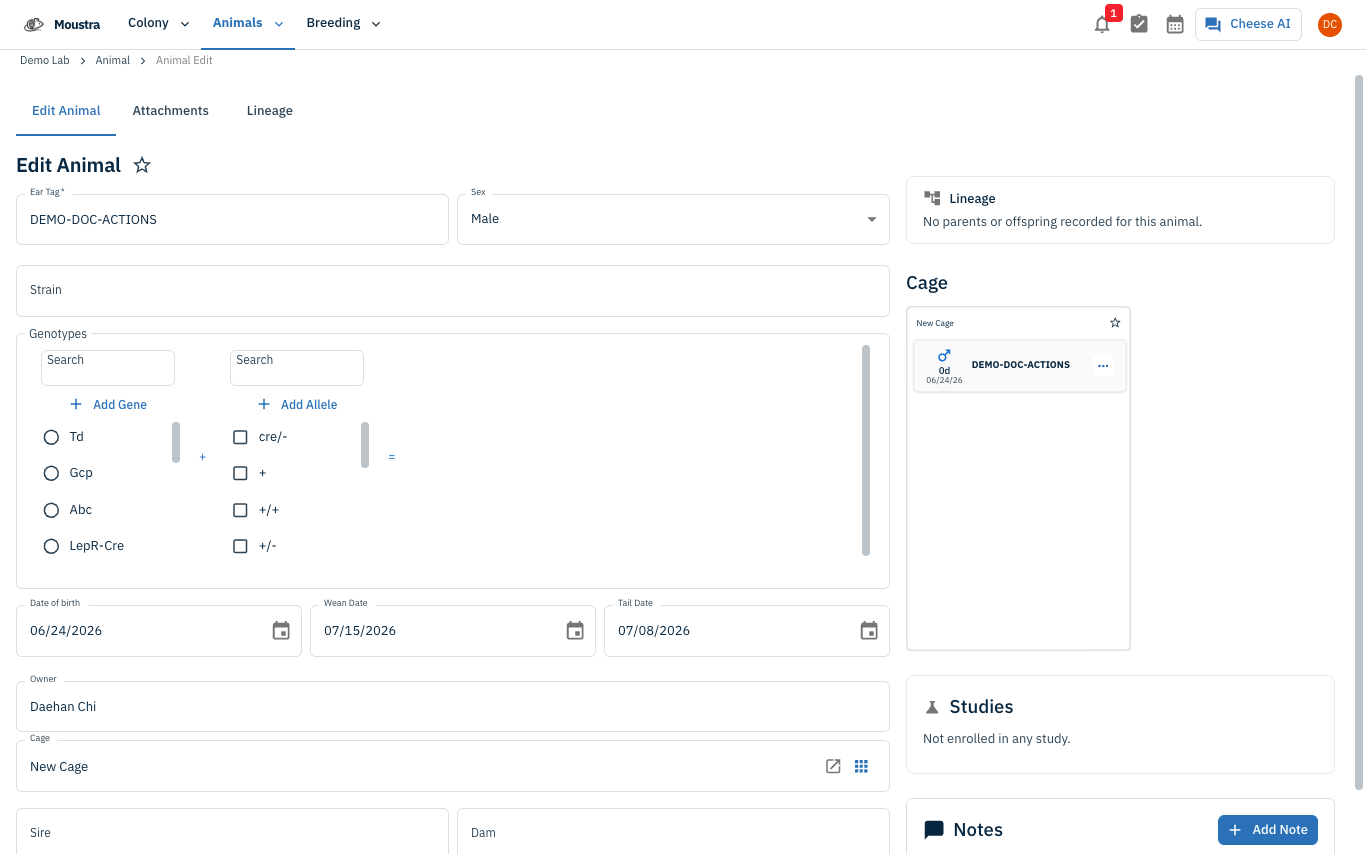
Open Actions → Mark Weaned
Scroll to the bottom of the form and click Actions, then choose Mark Weaned. The option is disabled (with a tooltip showing the existing wean date) if the animal is already weaned.
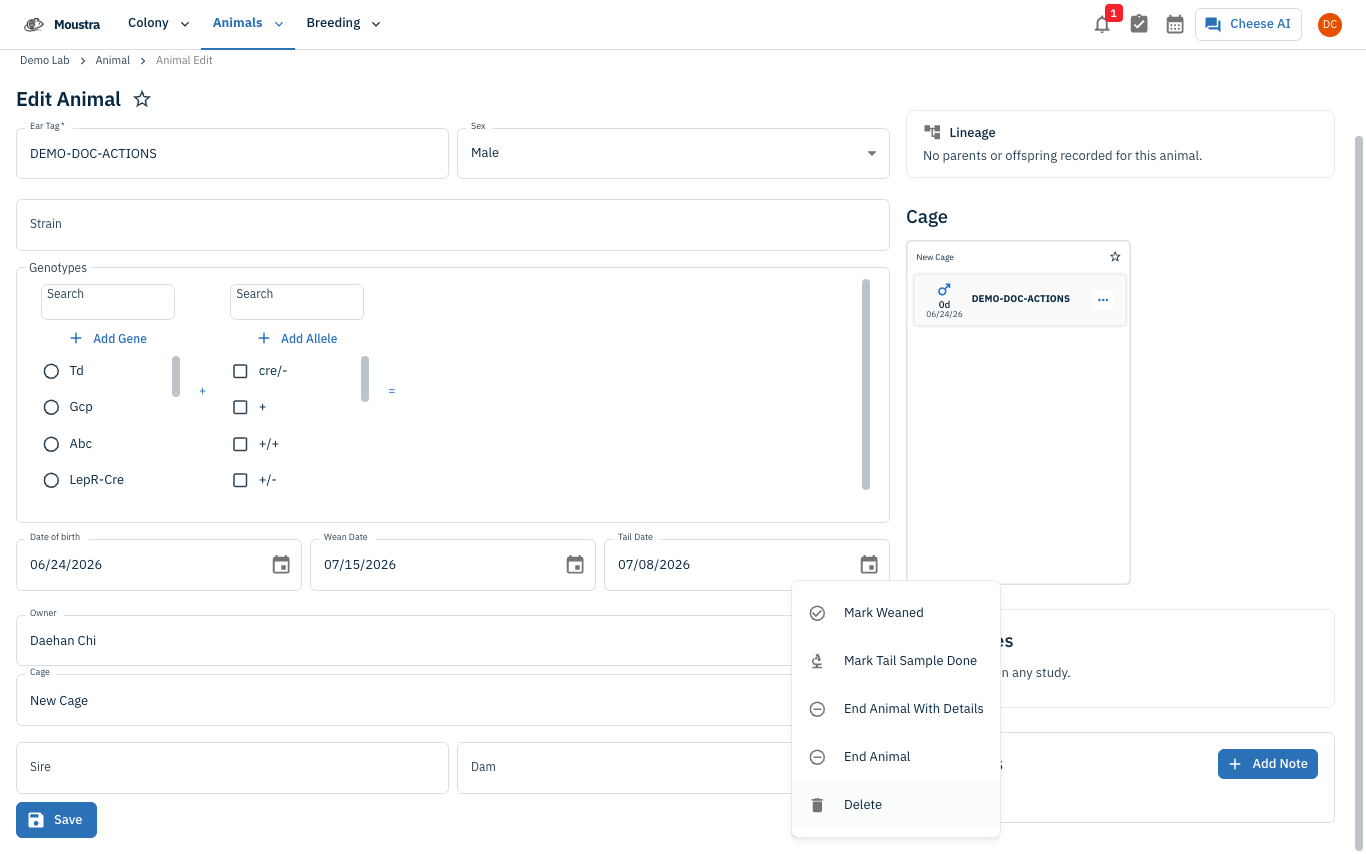
Set the wean date and confirm
In the Mark Weaned dialog, pick a Wean Date (defaults to today). Optionally choose a New Cage to move the animal into and add a Note, then click Mark Weaned. A Weaned chip appears in the form header and the wean reminder is cleared.
More in Editing your colony
How to Create a New Animal
Step-by-step instructions for adding a new animal, including key fields and tips.
How to Add a New Strain
This guide will walk you through the process of creating a new strain entry in Moustra.
How to Add Breeding Animals
This guide will walk you through the process of creating multiple breeding animals at once in Moustra.