How to Add a New Cage
Create a cage and place it in a rack so you have somewhere to house animals. The new-cage form lets you pick the exact rack slot, name the cage, and assign an owner and strain.
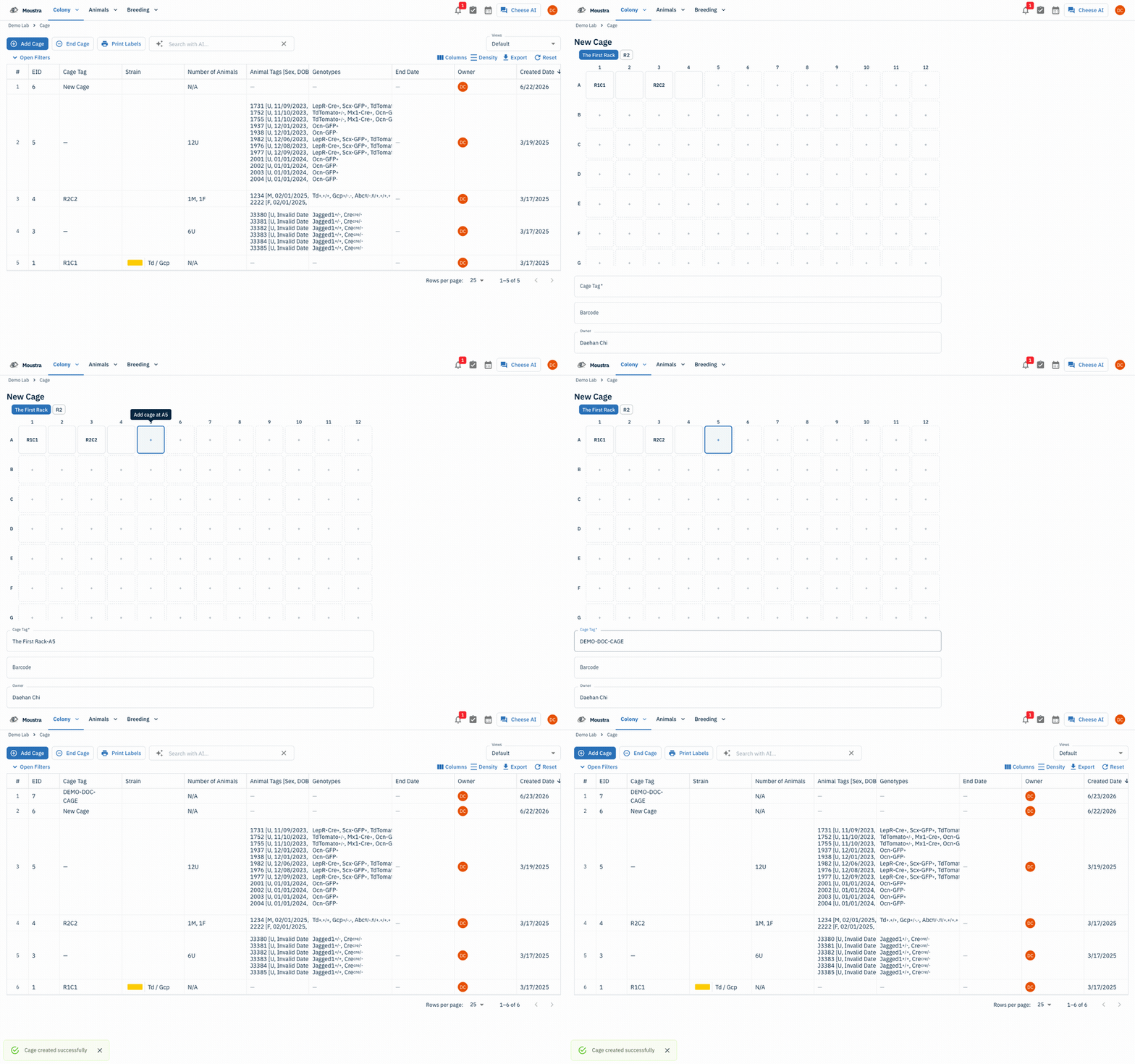
Open the Cages page
Click Cages in the navigation menu to open your cage list.
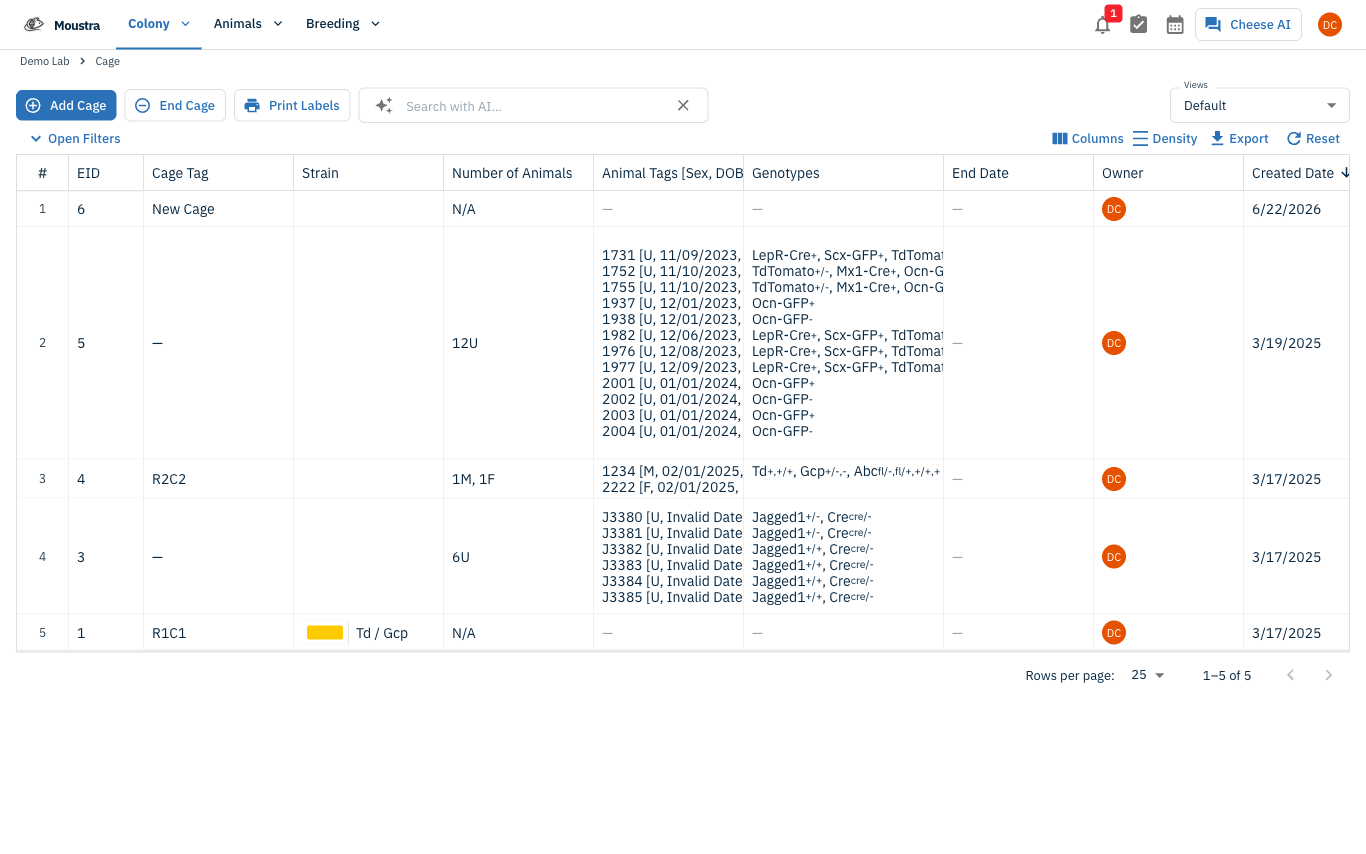
Start a new cage
Click Add Cage in the toolbar to open the new-cage form.
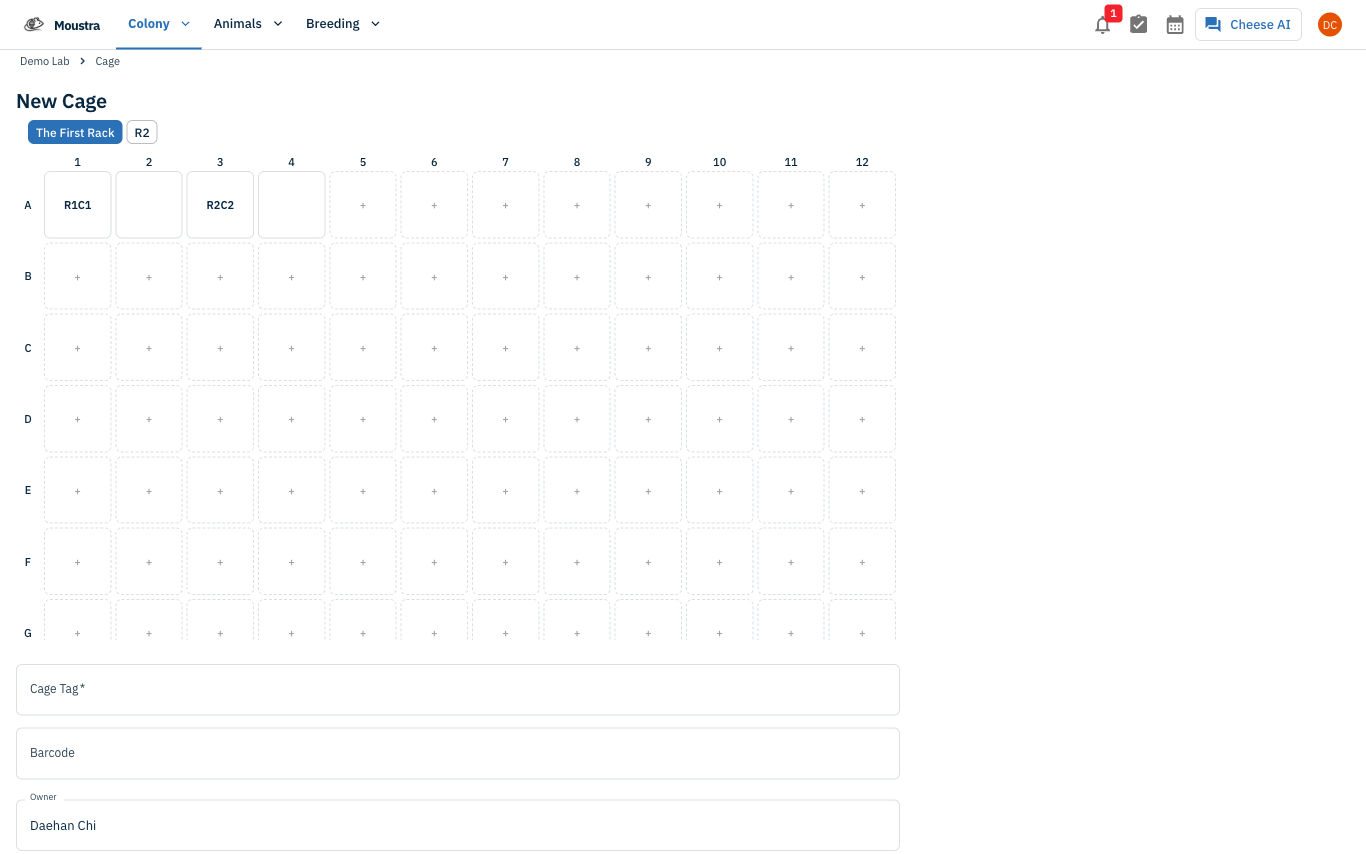
Pick a rack and position
Choose a rack with the chips at the top, then click an empty slot in the position grid to place the cage. The Cage Tag auto-fills from the rack and position.
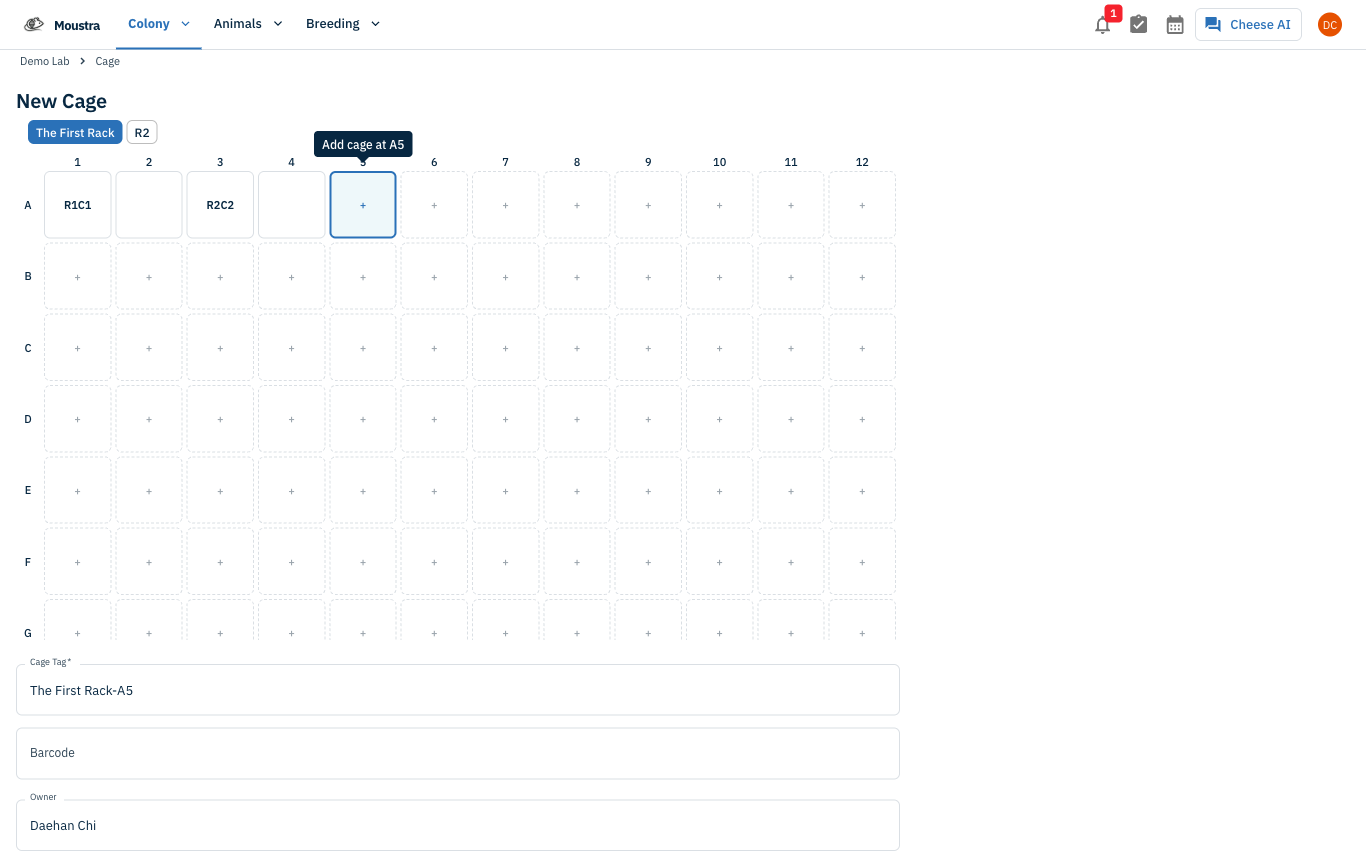
Enter cage details
Set or confirm the Cage Tag (must be unique), the Owner, and optionally a Strain, Barcode, and Set Up Date.
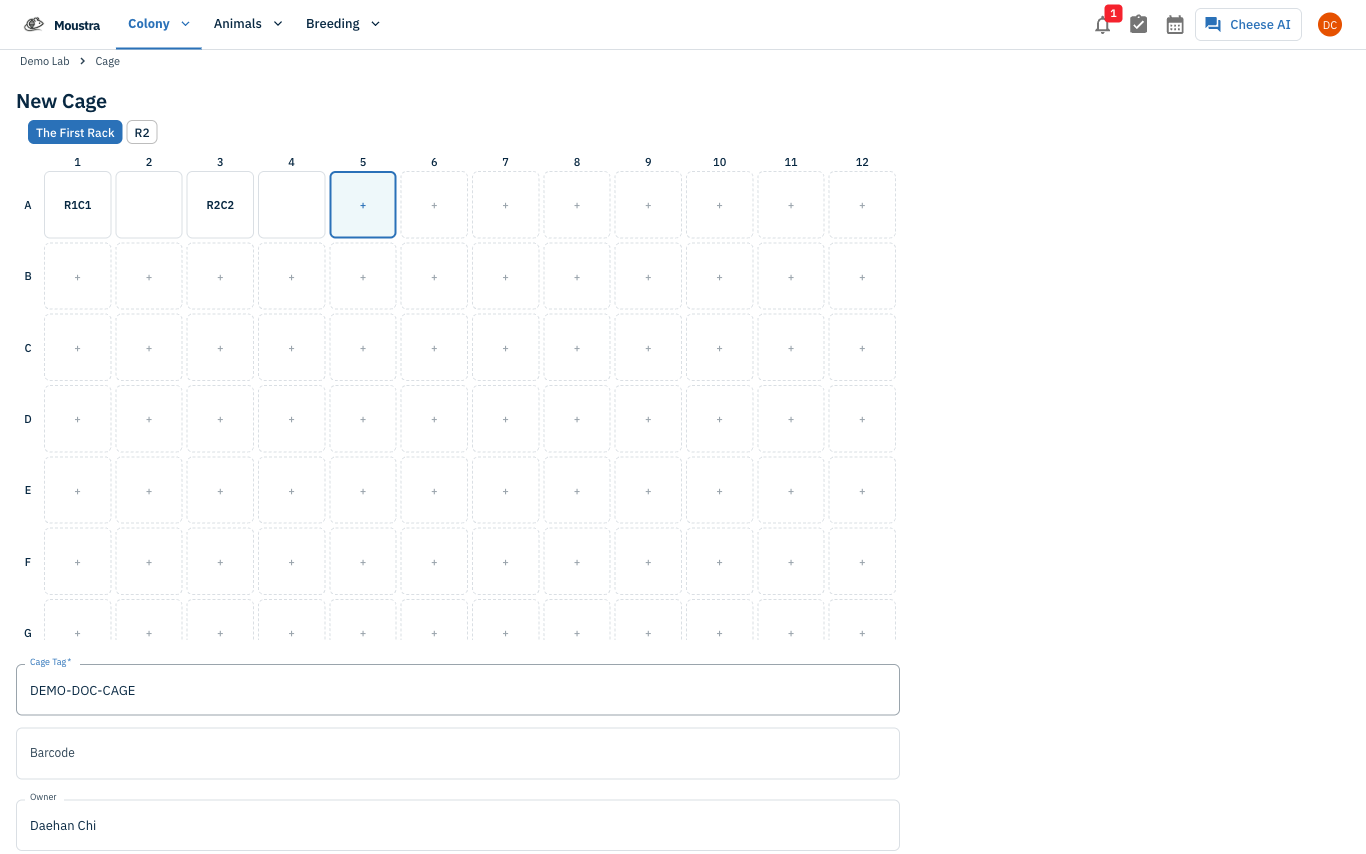
Save the cage
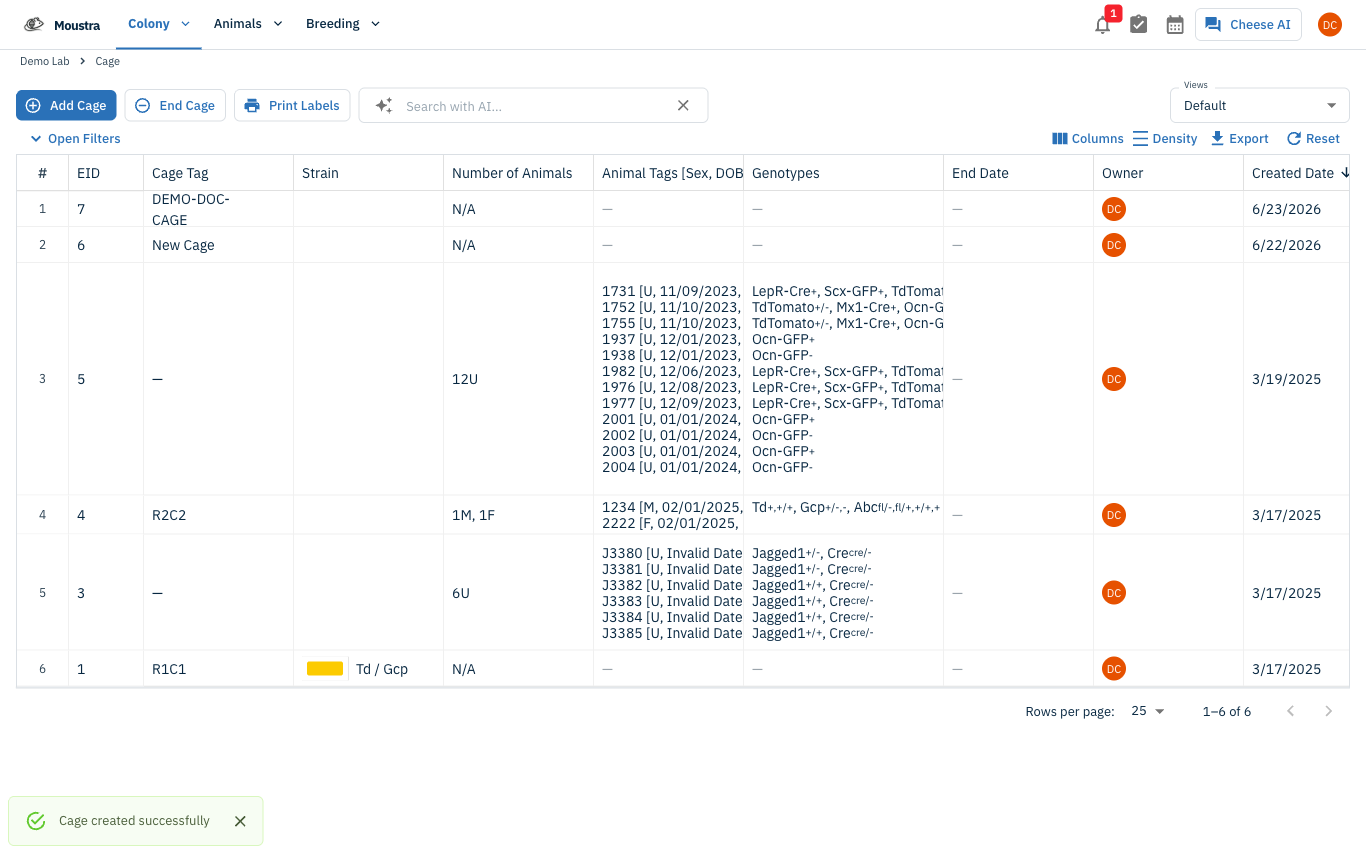
Click Save to create the cage. It appears at the top of your cage list, ready to house animals.
More in Editing your colony
How to Create a New Animal
Step-by-step instructions for adding a new animal, including key fields and tips.
How to Add a New Strain
This guide will walk you through the process of creating a new strain entry in Moustra.
How to Add Breeding Animals
This guide will walk you through the process of creating multiple breeding animals at once in Moustra.