How to Genotype Animals
Record which gene and allele combinations an animal carries using the Genotypes combine panel on its Edit page. Pick a gene, check its alleles, and the genotype builds live — then Save.
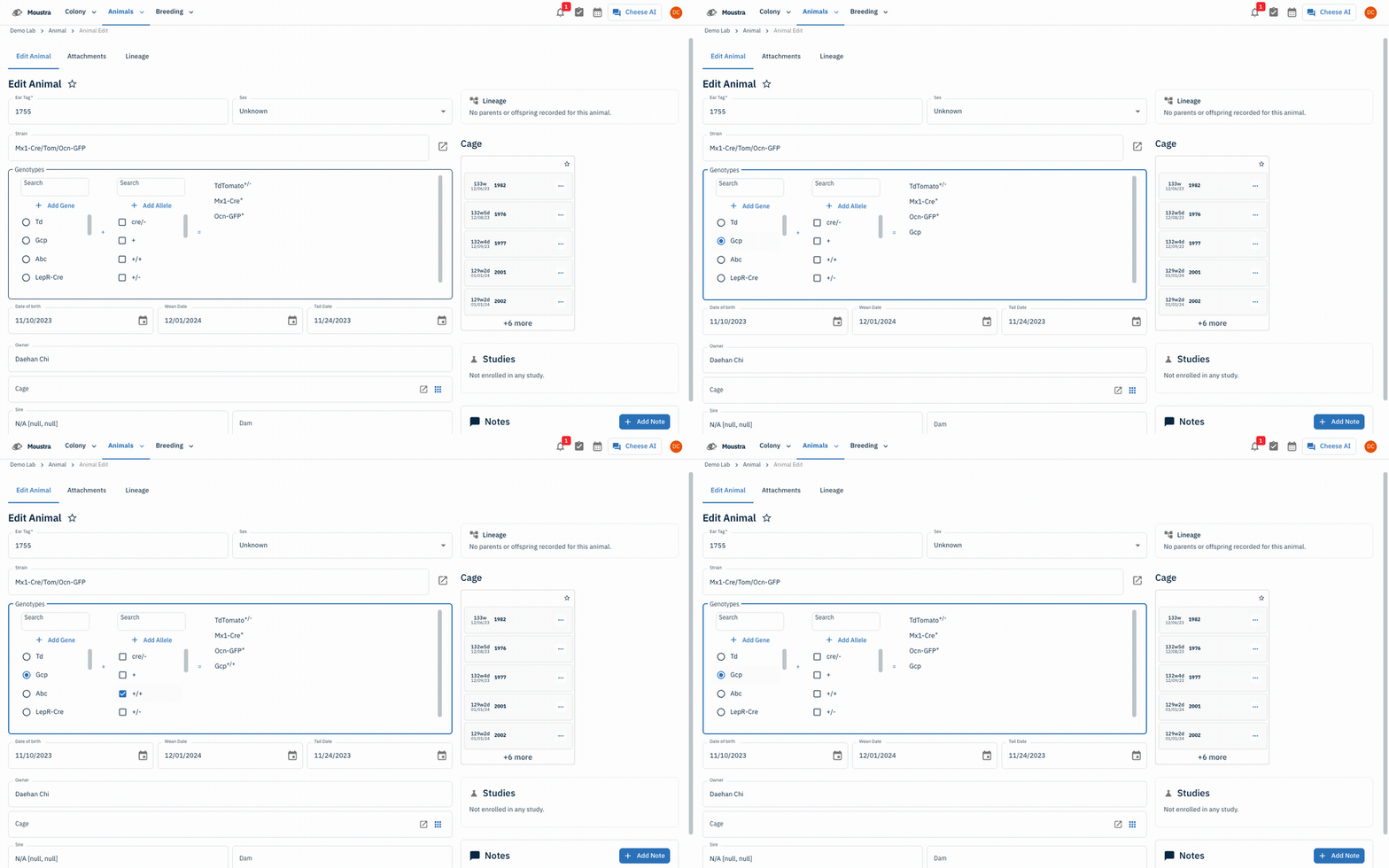
Open the animal's Genotypes panel
From Animals → Animal, open an animal's Edit page and scroll to the bordered Genotypes section. It has three panels: Gene, Allele, and the resulting Genotype list.
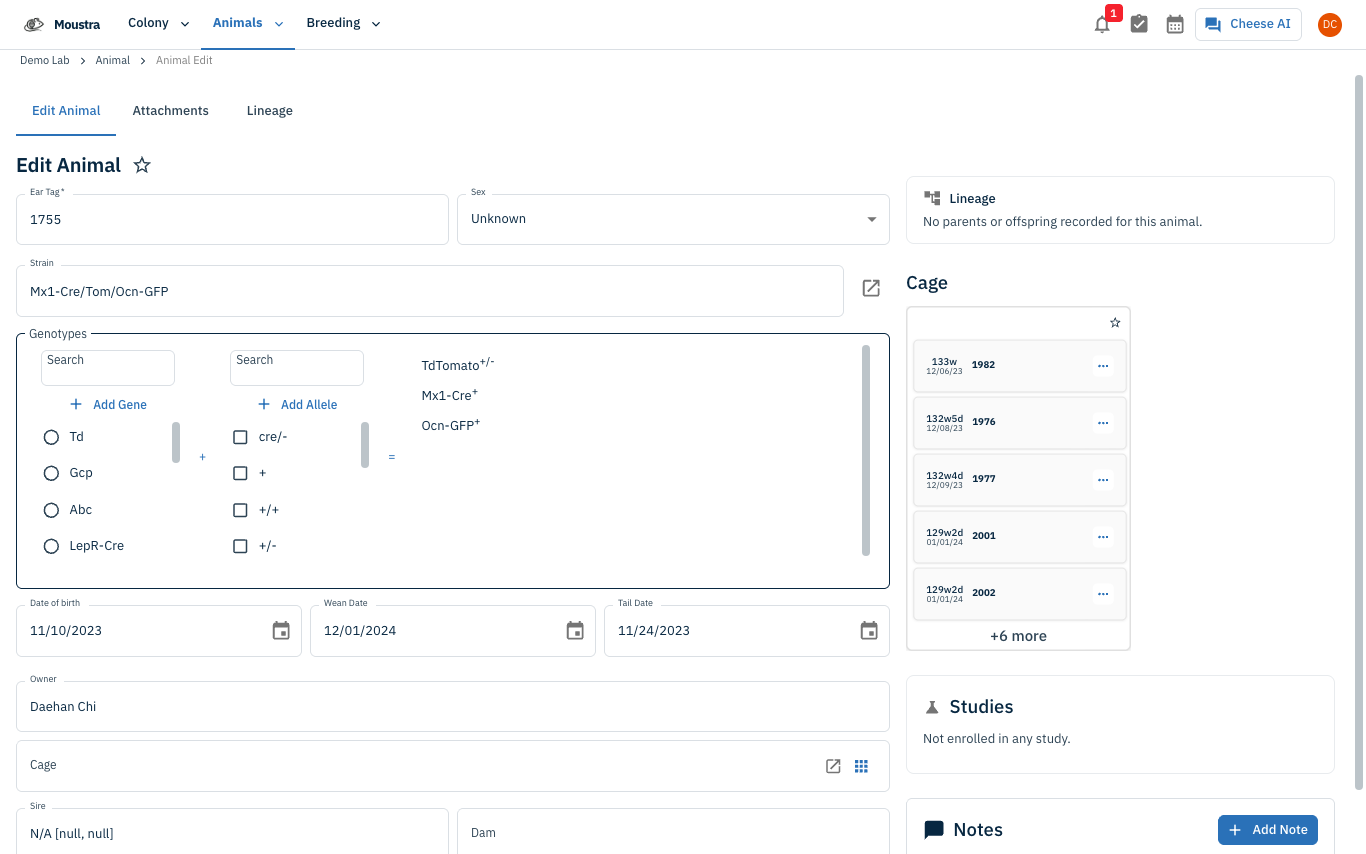
Pick a gene
In the left Gene panel, click the gene you are scoring (e.g. Gcp). It is selected and added to the Genotype list on the right.
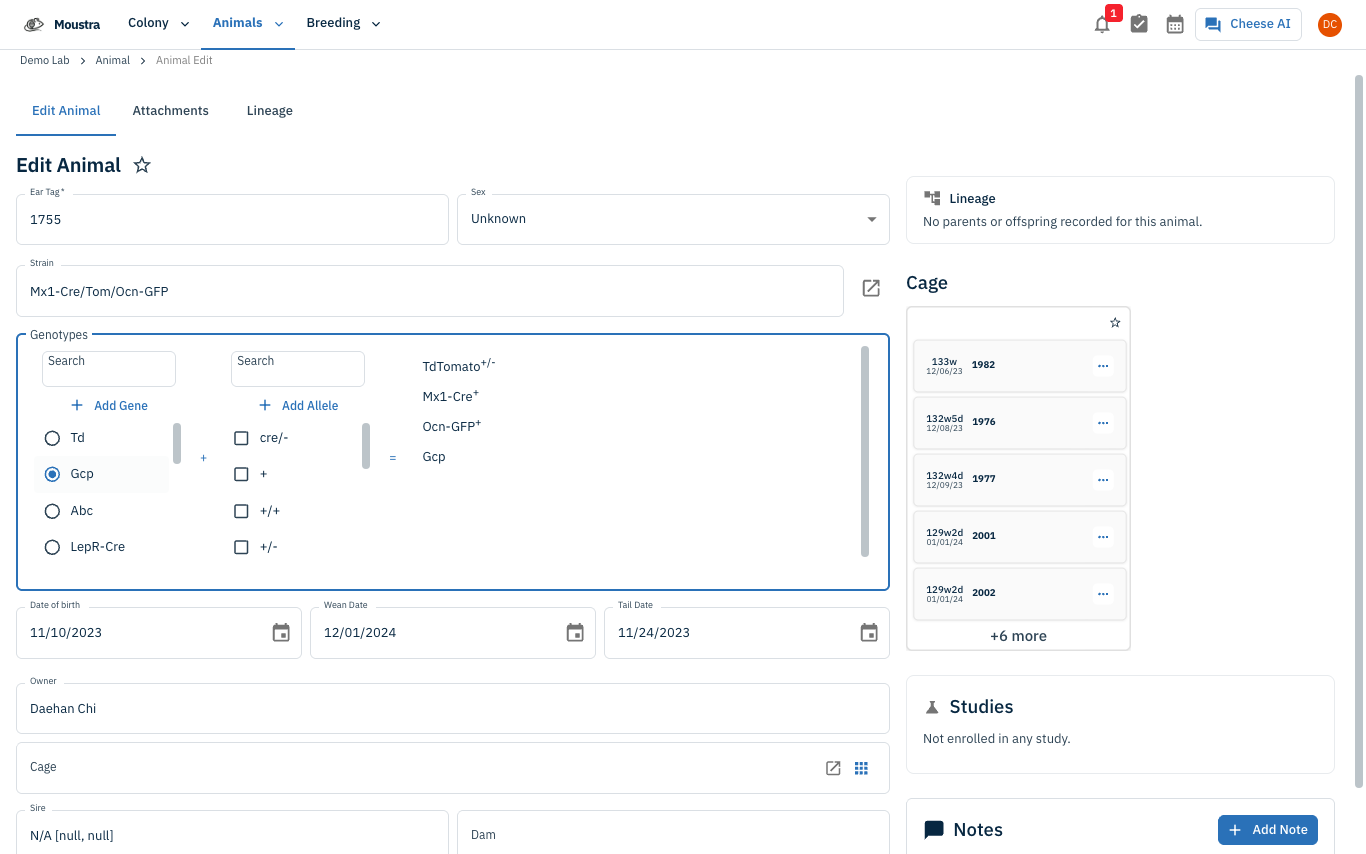
Check the alleles, then Save
In the middle Allele panel, check one or more alleles (e.g. +/+). Each pairs with the selected gene and appears as Gene^allele in the result panel. Repeat for each gene, then click the form's Save button to record the genotype.
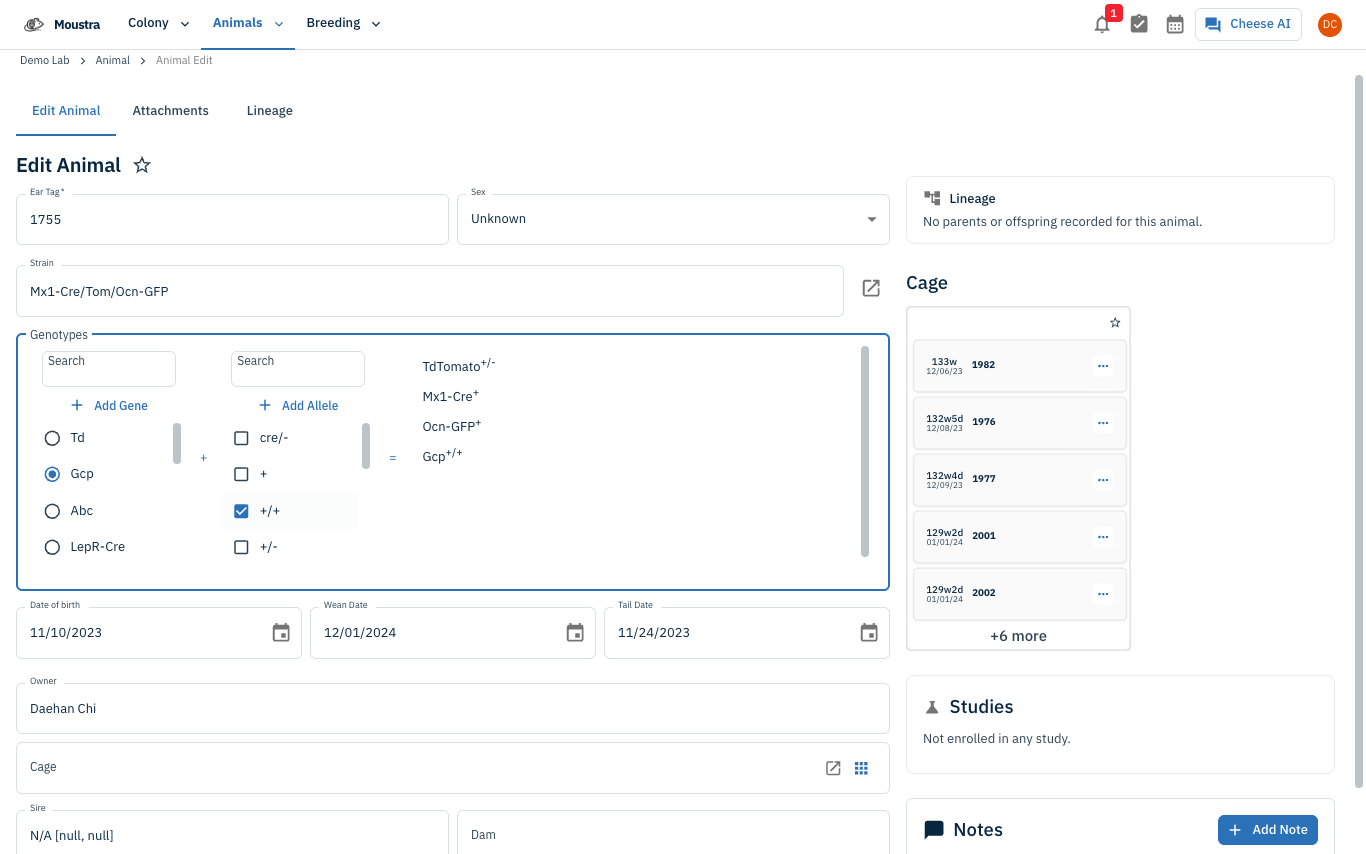
More in Editing your colony
How to Create a New Animal
Step-by-step instructions for adding a new animal, including key fields and tips.
How to Add a New Strain
This guide will walk you through the process of creating a new strain entry in Moustra.
How to Add Breeding Animals
This guide will walk you through the process of creating multiple breeding animals at once in Moustra.